
Kostenlose KI-Objektentfernung – Entfernen Sie unerwünschte Objekte sofort aus Fotos


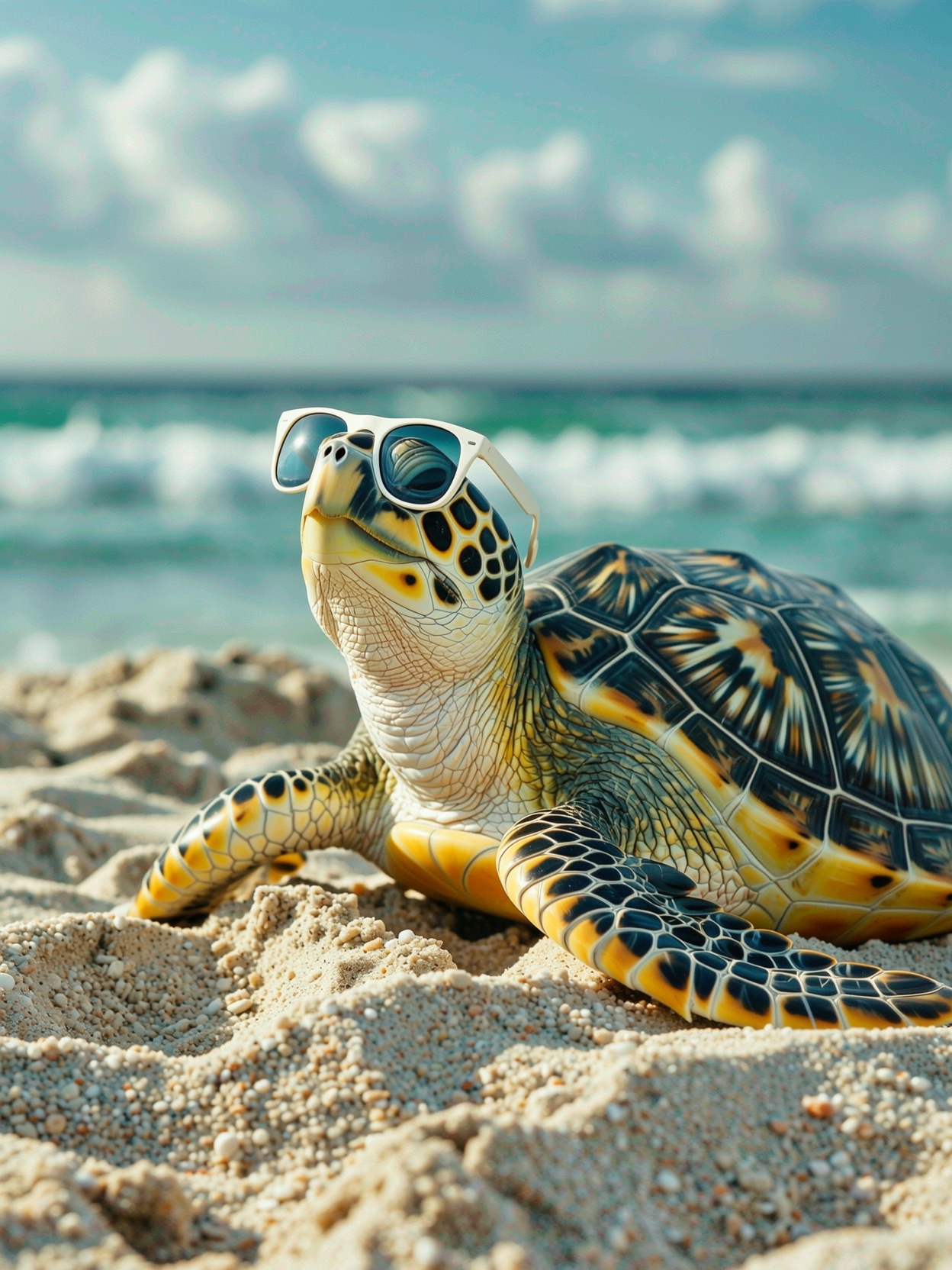
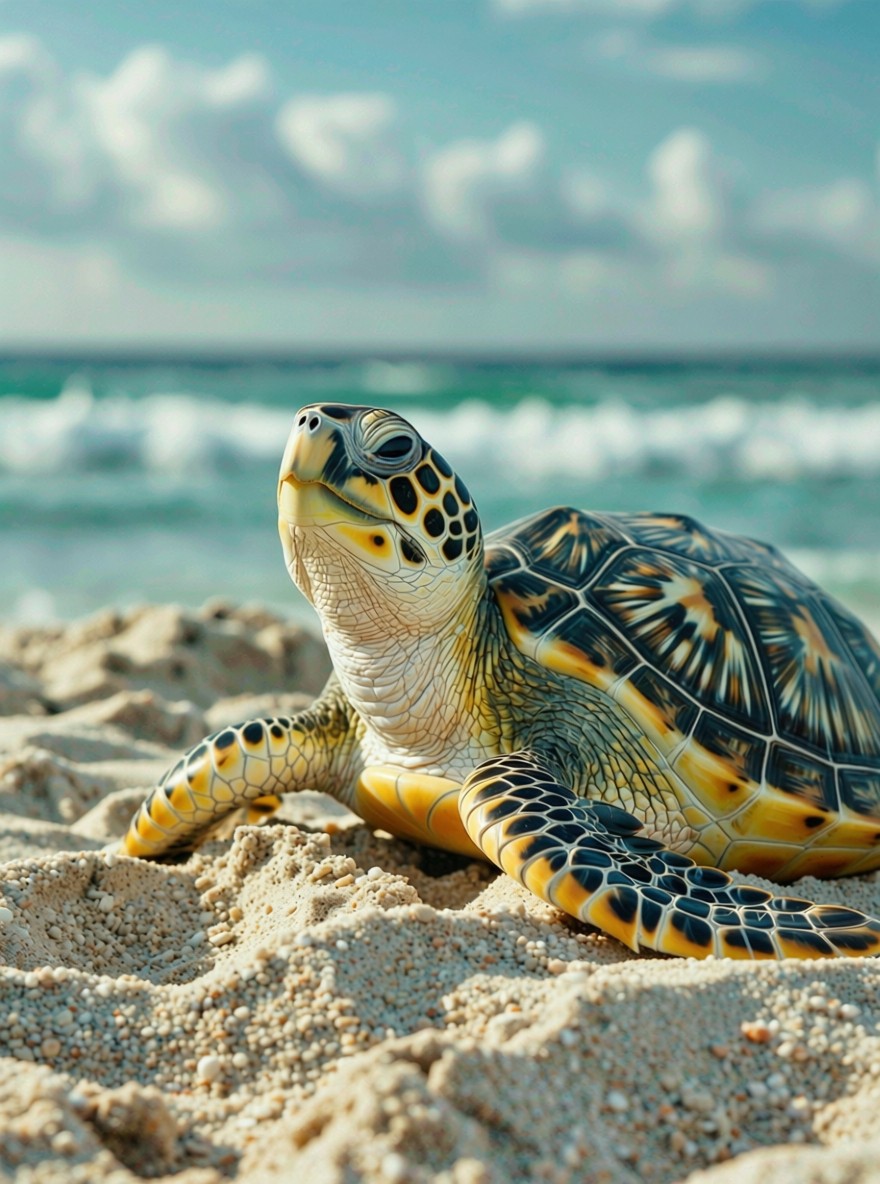


Saubere Fotos mit nur wenigen Klicks
UnserKI-gestützter magischer Radiergummimacht denEntfernungsprozesseinfach und schnell. Egal, ob SieObjekte aus einem Foto entfernen,unerwünschten Textlöschen oderWasserzeichenentfernen müssen, unser Tool liefertprofessionelle Ergebnissemit nur einem Klick.
Verwenden Sie es für:
- Gruppenfotos – Entfernen Sie unerwünschte Personenoder ungebetene Statisten im Hintergrund.
- Reiseaufnahmen – Entfernen Sie TouristenoderStromleitungenfür malerische Ausblicke.
- Produktfotos– Löschen Sie Logos, Datumsstempel oderunnötige Objekte.
- Persönliche Erinnerungen– Löschen Sie Unordnung,unerwünschte DetailsoderHintergrundablenkungen.
- Social-Media-BeiträgeCreate polished,visually appealingpictures instantly.


Saubere Fotos mit nur wenigen Klicks
UnserKI-gestützter magischer Radiergummimacht denEntfernungsprozesseinfach und schnell. Egal, ob SieObjekte aus einem Foto entfernen,unerwünschten Textlöschen oderWasserzeichenentfernen müssen, unser Tool liefertprofessionelle Ergebnissemit nur einem Klick.
Verwenden Sie es für:
- Gruppenfotos – Entfernen Sie unerwünschte Personenoder ungebetene Statisten im Hintergrund.
- Reiseaufnahmen – Entfernen Sie TouristenoderStromleitungenfür malerische Ausblicke.
- Produktfotos– Löschen Sie Logos, Datumsstempel oderunnötige Objekte.
- Persönliche Erinnerungen– Löschen Sie Unordnung,unerwünschte DetailsoderHintergrundablenkungen.
- Social-Media-BeiträgeCreate polished,visually appealingpictures instantly.
Saubere Fotos mit nur wenigen Klicks
UnserKI-gestützter magischer Radiergummimacht denEntfernungsprozesseinfach und schnell. Egal, ob SieObjekte aus einem Foto entfernen,unerwünschten Textlöschen oderWasserzeichenentfernen müssen, unser Tool liefertprofessionelle Ergebnissemit nur einem Klick.
Verwenden Sie es für:
- Gruppenfotos – Entfernen Sie unerwünschte Personenoder ungebetene Statisten im Hintergrund.
- Reiseaufnahmen – Entfernen Sie TouristenoderStromleitungenfür malerische Ausblicke.
- Produktfotos– Löschen Sie Logos, Datumsstempel oderunnötige Objekte.
- Persönliche Erinnerungen– Löschen Sie Unordnung,unerwünschte DetailsoderHintergrundablenkungen.
- Social-Media-BeiträgeCreate polished,visually appealingpictures instantly.
How to Use the AI Object Remover
Cleaning up your photos has never been easier. Just follow these steps:
1️⃣ Upload Your Image
Simply upload the photo you want to edit (JPG or PNG supported).
2️⃣ Describe the Unwanted Object
In the edit tool, type what you’d like removed. Example:“remove watermark,” “delete date stamp,” “remove unwanted person from background,” or “erase unwanted text.”
3️⃣ AI Removal Process
UnserAI object removerusesgenerative fillto automatically remove unwanted objects and seamlessly reconstruct thebackgroundso your photo looks natural.
4️⃣ Download Your Final Image
Save your clean, polished photo instantly in high resolution—ready to share or use anywhere.
Boom. Done. Your photo is free of unwanted objects.



How to Use the AI Object Remover
Cleaning up your photos has never been easier. Just follow these steps:
1️⃣ Upload Your Image
Simply upload the photo you want to edit (JPG or PNG supported).
2️⃣ Describe the Unwanted Object
In the edit tool, type what you’d like removed. Example:“remove watermark,” “delete date stamp,” “remove unwanted person from background,” or “erase unwanted text.”
3️⃣ AI Removal Process
UnserAI object removerusesgenerative fillto automatically remove unwanted objects and seamlessly reconstruct thebackgroundso your photo looks natural.
4️⃣ Download Your Final Image
Save your clean, polished photo instantly in high resolution—ready to share or use anywhere.
Boom. Done. Your photo is free of unwanted objects.
How to Use the AI Object Remover
Cleaning up your photos has never been easier. Just follow these steps:
1️⃣ Upload Your Image
Simply upload the photo you want to edit (JPG or PNG supported).
2️⃣ Describe the Unwanted Object
In the edit tool, type what you’d like removed. Example:“remove watermark,” “delete date stamp,” “remove unwanted person from background,” or “erase unwanted text.”
3️⃣ AI Removal Process
UnserAI object removerusesgenerative fillto automatically remove unwanted objects and seamlessly reconstruct thebackgroundso your photo looks natural.
4️⃣ Download Your Final Image
Save your clean, polished photo instantly in high resolution—ready to share or use anywhere.
Boom. Done. Your photo is free of unwanted objects.
Why People Love Our Object Removal Tool
🪄 AI Magic Eraser – Remove distractionsfrom any photo online.
😎 No Design Skills Needed– No need to learn thebrush tooloderclone stamp tool.
🆓 Free Object Remover– Remove up to 20 objects or watermarks free.
💰 Commercial Rights– Use your clean, edited photos for ads,online stores, or branding.
⚡ Fast & Easy– Get edits done in a few seconds.
📏 High Quality– AI fills gaps naturally withoutlosing quality.
.png)
Why People Love Our Object Removal Tool
🪄 AI Magic Eraser – Remove distractionsfrom any photo online.
😎 No Design Skills Needed– No need to learn thebrush tooloderclone stamp tool.
🆓 Free Object Remover– Remove up to 20 objects or watermarks free.
💰 Commercial Rights– Use your clean, edited photos for ads,online stores, or branding.
⚡ Fast & Easy– Get edits done in a few seconds.
📏 High Quality– AI fills gaps naturally withoutlosing quality.
Why People Love Our Object Removal Tool
🪄 AI Magic Eraser – Remove distractionsfrom any photo online.
😎 No Design Skills Needed– No need to learn thebrush tooloderclone stamp tool.
🆓 Free Object Remover– Remove up to 20 objects or watermarks free.
💰 Commercial Rights– Use your clean, edited photos for ads,online stores, or branding.
⚡ Fast & Easy– Get edits done in a few seconds.
📏 High Quality– AI fills gaps naturally withoutlosing quality.
Common Object Removal Examples
Here’s what users often erase with ourAI object remover:
- Watermarks & Logos🖋 – Remove watermarks orremoving logosfrom stock photos.
- Date Stamps & Text Overlays 🕒 – Erase unwanted textoderDatumsstempelvon alten Bildern löschen.
- Touristen & Menschen 🚶 – Menschen aus Fotos entfernenfür saubere Landschaften.
- Mülleimer & Unrat🗑 – Werden Sie losunnötige Objekteim Hintergrund.
- Stromleitungen⚡ – Den Himmel für atemberaubende Landschaftsfotos bereinigen.
- Social-Media-Screenshots📱 – Entfernenunerwünschte Detailsfür einen polierten Beitrag.

Common Object Removal Examples
Here’s what users often erase with ourAI object remover:
- Watermarks & Logos🖋 – Remove watermarks orremoving logosfrom stock photos.
- Date Stamps & Text Overlays 🕒 – Erase unwanted textoderDatumsstempelvon alten Bildern löschen.
- Touristen & Menschen 🚶 – Menschen aus Fotos entfernenfür saubere Landschaften.
- Mülleimer & Unrat🗑 – Werden Sie losunnötige Objekteim Hintergrund.
- Stromleitungen⚡ – Den Himmel für atemberaubende Landschaftsfotos bereinigen.
- Social-Media-Screenshots📱 – Entfernenunerwünschte Detailsfür einen polierten Beitrag.
Common Object Removal Examples
Here’s what users often erase with ourAI object remover:
- Watermarks & Logos🖋 – Remove watermarks orremoving logosfrom stock photos.
- Date Stamps & Text Overlays 🕒 – Erase unwanted textoderDatumsstempelvon alten Bildern löschen.
- Touristen & Menschen 🚶 – Menschen aus Fotos entfernenfür saubere Landschaften.
- Mülleimer & Unrat🗑 – Werden Sie losunnötige Objekteim Hintergrund.
- Stromleitungen⚡ – Den Himmel für atemberaubende Landschaftsfotos bereinigen.
- Social-Media-Screenshots📱 – Entfernenunerwünschte Detailsfür einen polierten Beitrag.
Funktionen, die unseren KI-Objektentferner auszeichnen
🖼️ KI-gestützte Entfernung– Nutzen Siekünstliche Intelligenz, um Fotos sofort zu bereinigen.
🗃️ Stapelverarbeitung – Objekte entfernenaus mehreren Fotos in einer Sitzung.
❌ Magisches Radiergummi-Werkzeug– Funktioniert wie Photoshopinhaltsbasiertes Füllenaber schneller.
👌 Generative Füllung– Rekonstruiert intelligent denHintergrundbezugnach dem Löschen.
📂 Unterstützte Bildformate– Hochladen und Herunterladen als JPG oder PNG.
🫂 Community-Inspiration– Bearbeitungen teilen, Feedback erhalten und kreative Tricks lernen.


Funktionen, die unseren KI-Objektentferner auszeichnen
🖼️ KI-gestützte Entfernung– Nutzen Siekünstliche Intelligenz, um Fotos sofort zu bereinigen.
🗃️ Stapelverarbeitung – Objekte entfernenaus mehreren Fotos in einer Sitzung.
❌ Magisches Radiergummi-Werkzeug– Funktioniert wie Photoshopinhaltsbasiertes Füllenaber schneller.
👌 Generative Füllung– Rekonstruiert intelligent denHintergrundbezugnach dem Löschen.
📂 Unterstützte Bildformate– Hochladen und Herunterladen als JPG oder PNG.
🫂 Community-Inspiration– Bearbeitungen teilen, Feedback erhalten und kreative Tricks lernen.
Funktionen, die unseren KI-Objektentferner auszeichnen
🖼️ KI-gestützte Entfernung– Nutzen Siekünstliche Intelligenz, um Fotos sofort zu bereinigen.
🗃️ Stapelverarbeitung – Objekte entfernenaus mehreren Fotos in einer Sitzung.
❌ Magisches Radiergummi-Werkzeug– Funktioniert wie Photoshopinhaltsbasiertes Füllenaber schneller.
👌 Generative Füllung– Rekonstruiert intelligent denHintergrundbezugnach dem Löschen.
📂 Unterstützte Bildformate– Hochladen und Herunterladen als JPG oder PNG.
🫂 Community-Inspiration– Bearbeitungen teilen, Feedback erhalten und kreative Tricks lernen.
So erstellen Sie Bilder mit unserer KI

Starten Sie Ihre eigene kreative Reise.


Personen, die unseren KI-Generator nutzen:
Ja, Sie könnenunerwünschte Objekte bearbeiten und entfernen– bei bis zu 20 Fotos kostenlos.
Ja, Sie könnenPersonen von Fotos entfernen,unerwünschten TextGeht dabei Bildqualität verloren?
Qualitätzu erhalten.
Nein, im Gegensatz zuAdobe Photoshopfunktioniert dieses Tool innur wenigen Klicks.
Sie können in gängigenBildformatenwie JPG und PNG hoch- und herunterladen.


.svg)