

Written by Mo Kahn on


What do you get when a free AI avatar creator says free? That question exposes the gap in most roundups. They list styles and buttons, but they skip the part that decides whether you'll publish the result: how many generations you really get, whether there's a watermark, who owns the output, and what happens to your uploaded face.
Can a free tool make an avatar good enough to post? In many cases, yes, if you match it to one clear job. A selfie restyler can handle a TikTok profile today. A character platform is slower but better for a recurring RPG hero or book character. A talking presenter tool solves a different problem entirely, and it's the wrong pick if you only need a still image.
Cost is exactly why so many creators start here. Adobe's 2025 Creators' Toolkit survey of more than 16,000 creators found that 38% cited cost and 34% cited unreliable output quality as barriers, while 86% use creative generative AI. Free removes the first barrier. It doesn't remove the second, which is why this list flags retry risk, likeness, privacy, and commercial rights tool by tool, instead of treating every free plan as equal.
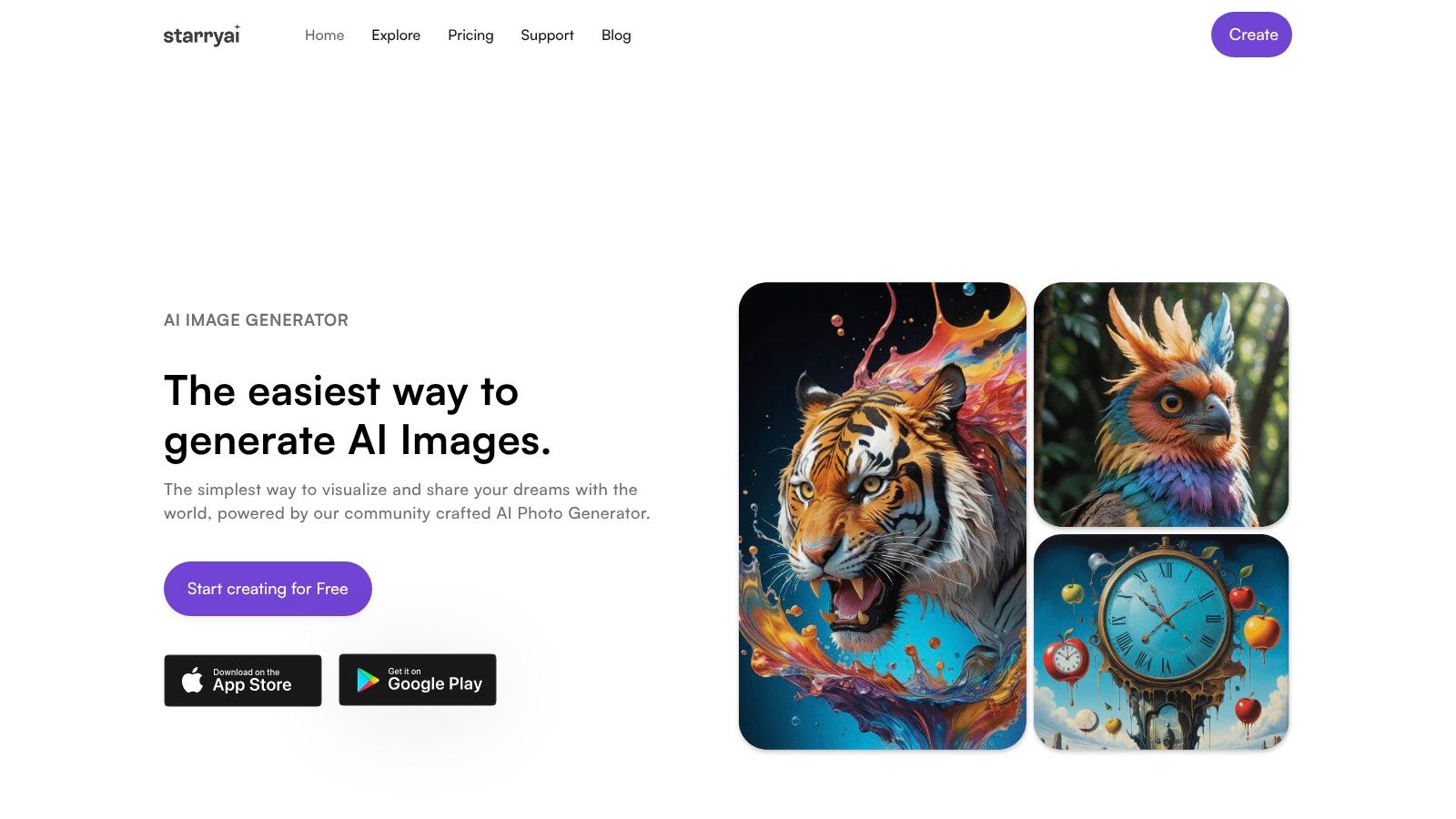
Could one tool make a profile portrait today and a character concept tomorrow? starryai turns text prompts, emojis, and uploaded photos into stylized visuals, including dreamlike transformations. Its AI avatar creator offers a focused route for portraits and personas, while the broader image generator suits creators who want to try different visual ideas.
The service is free to use, but the available generation allowance, watermark rules, and usage rights can affect whether an image is ready to publish. Check those terms on starryai before using a result commercially or sharing it as final artwork. The tool is designed for quick creative experiments and social media styles, not guaranteed consistency across every prompt.
Practical rule: Use your first generations to compare a single subject in a few styles. That makes it easier to judge whether the result fits your intended post before spending more of your allowance.
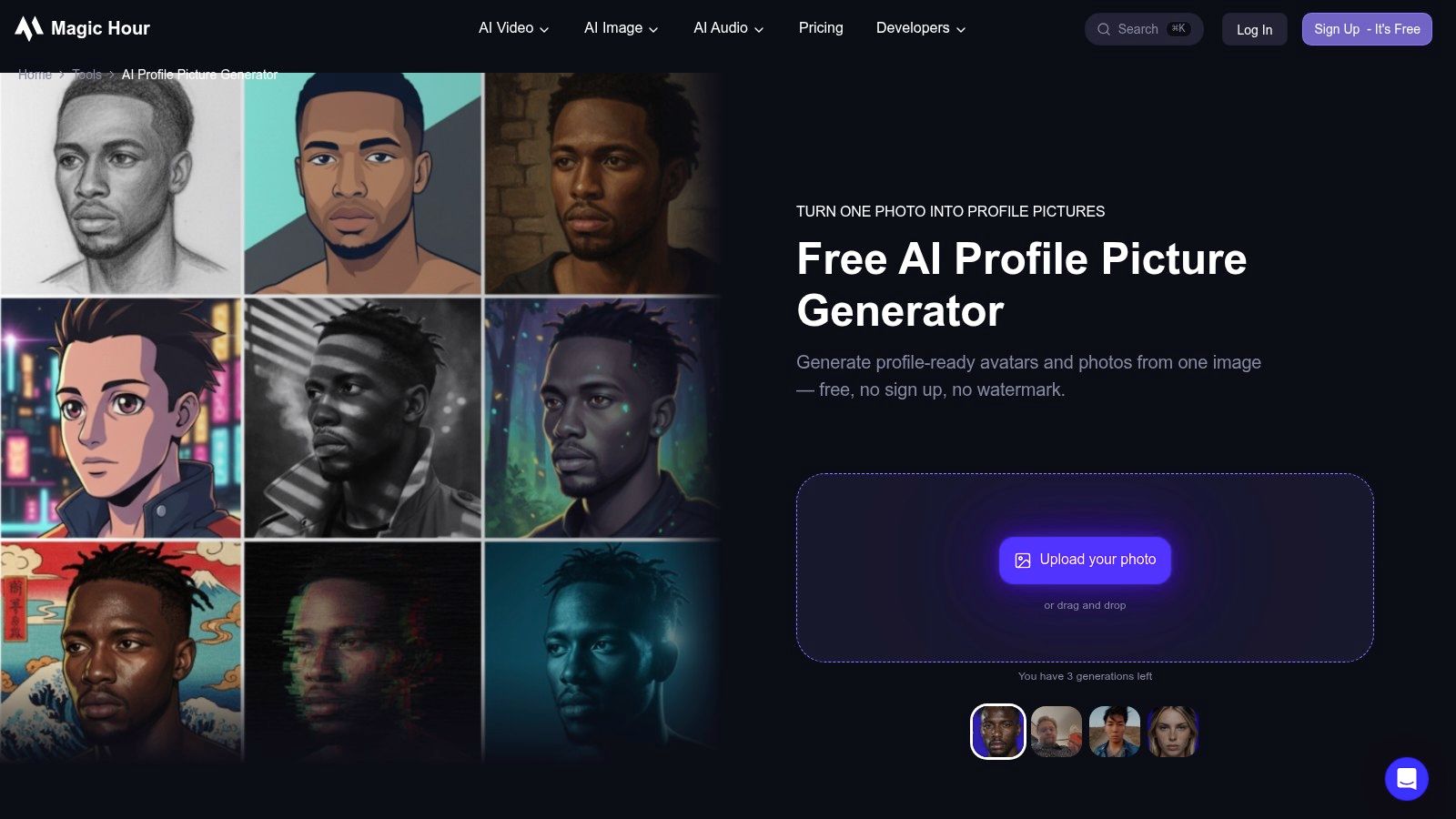
Magic Hour keeps the job narrow. It's a browser based photo to profile avatar generator that transforms an uploaded selfie into profile ready portraits, without asking you to install an app first. If you need a new look for LinkedIn, TikTok, or a creator page this afternoon, that narrowness is a strength.
The styles cover professional, casual, creator, and social media looks, so you can compare a clean headshot against a more stylized portrait from the same source photo. The site advertises free use, no sign up, and downloads without a watermark, which makes it one of the fastest tools here to test with a throwaway selfie.
You must start with a photo. There's no path here for inventing a fictional character entirely from text, and that rules it out for authors or tabletop players building someone who doesn't exist. Free generation limits may also apply even though the entry point feels open.
Likeness is the other variable. It shifts with photo quality and the style you pick, so upload a clear, front facing image with even light and no sunglasses. Run the same photo through a professional style and a creator style before you decide the tool can't hold your face.
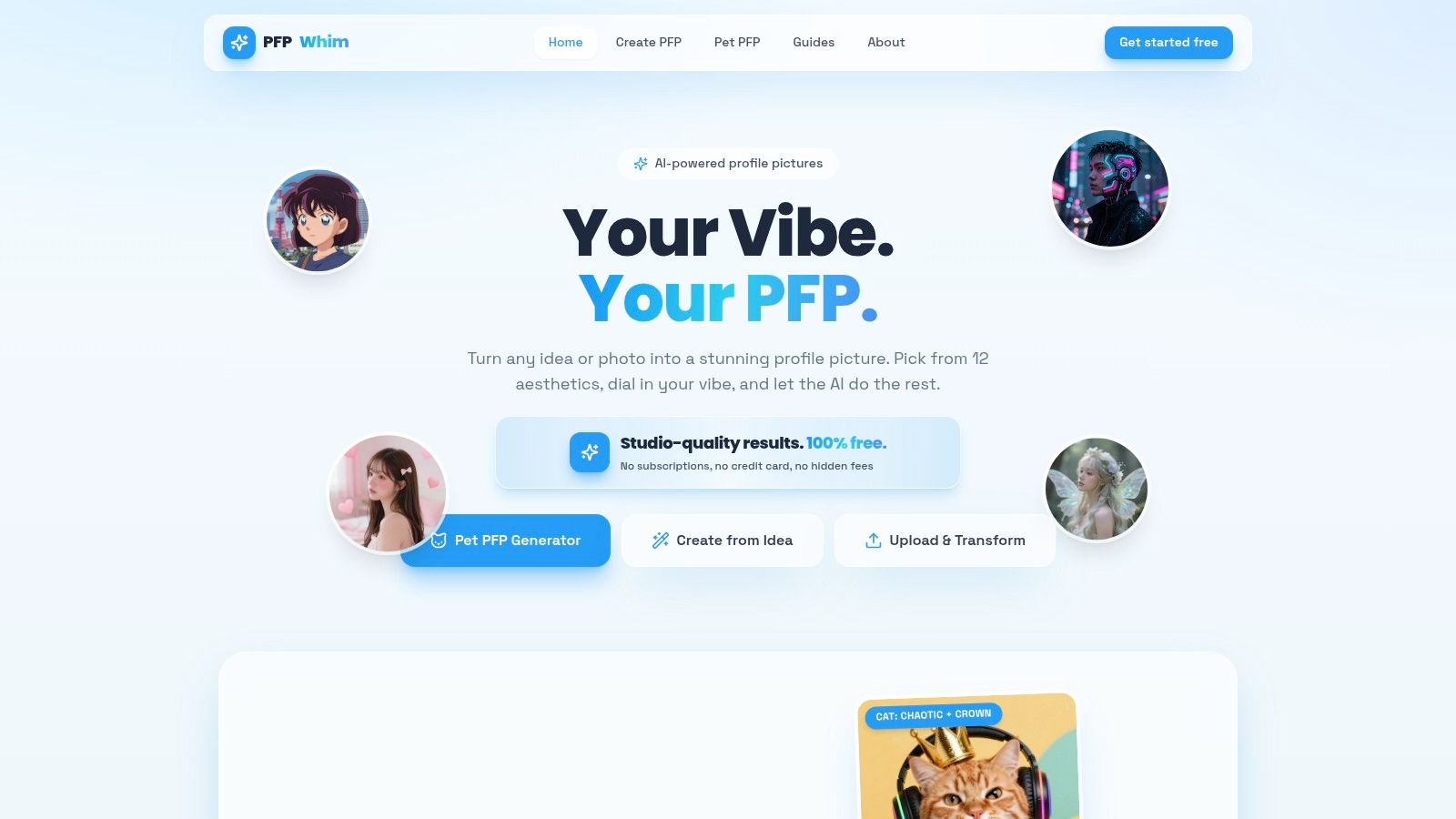
Some tools try to be a full creative suite. PFPWhim doesn't, and that's the point. It's built for profile pictures from an idea or an uploaded photo, with themed aesthetics that read instantly at small sizes on social and gaming profiles.
The style menu is where it earns its place. You'll find recognizable internet aesthetics including Y2K, cyberpunk, cottagecore, and dark academia, plus dedicated options for cat and dog avatars. Pet profile pictures sound like a novelty, but they're useful for gaming accounts, pet creator pages, and anyone who doesn't want their own face as the avatar.
The site advertises free, unlimited creations without an account, credit card, or watermark. That is the most frictionless claim on this list. Treat it as a provider statement worth checking against the current terms before you build a public identity around an output, especially anything commercial.
Control is the limit. Preset styles get you a result fast, but they give you less granular control than a full image generation suite when you want a specific outfit, setting, or expression repeated across posts. There's also no broader editing workflow waiting after generation.
FreePFP.ai restyles an uploaded photo in your browser, with one free picture per day. Extra generations use credits, so it suits an occasional profile refresh better than a session comparing many styles.
Its 12 profile picture styles include anime, goth, fairycore, cyberpunk, vaporwave, professional headshots, and expressive looks. A browser-based frame and resize tool helps prepare the result for social platforms. For more help choosing dimensions and formats, see this profile picture generator guide.
You need an email sign-in link to use the tool. The site says uploaded photos go to third-party generation services and that it does not retain a copy. The site says uploads go to third-party generation services, so read its privacy terms before you upload a sensitive photo or someone else's face.
Don't upload a photo of another person to any avatar tool without their clear consent, even for a joke profile. Consent is your problem to solve, not the generator's.
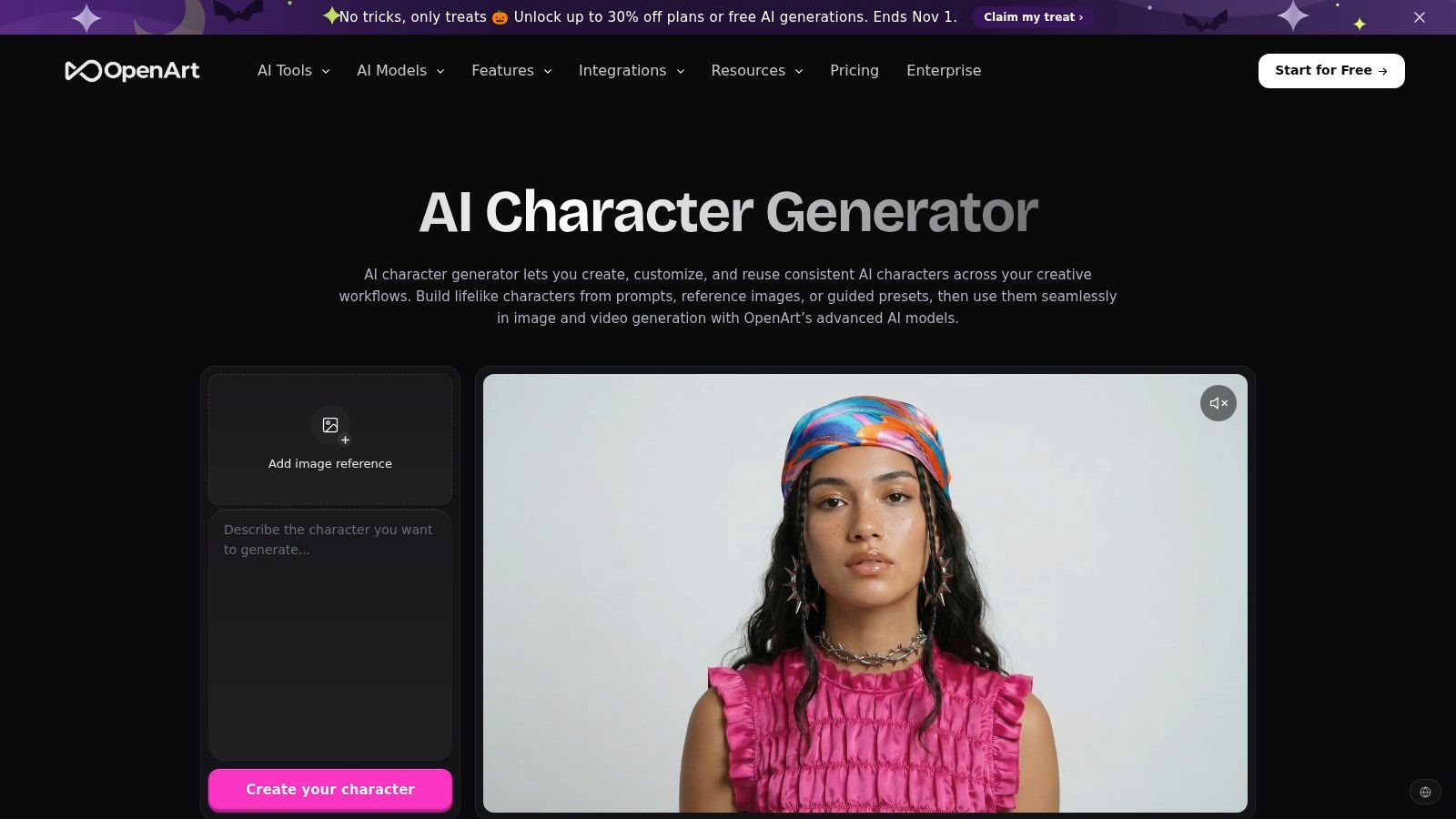
Say you aren't making a profile picture at all. You're building a recurring character for a serial story, a campaign, or a tabletop game, and you need that character to show up again next week looking like the same person. That's the job OpenArt is shaped for.
It's a broader AI image and video platform with avatar and character tools. You can create a character from a photo, prompt, or preset, then save and reuse that character across further generations. Tools for generating multiple character views help when a single front facing portrait isn't enough for a reference sheet or cover concept.
New accounts receive 40 free credits to try the features. That's a real test budget, but it is a budget. Repeated use will likely require a paid plan, and both consistency features and free access can depend on the current plan, so confirm what's available before you design a workflow around saved characters.
The learning curve is the other cost. Compared with a one click selfie restyler, OpenArt asks more setup and more decisions. Authors, game masters, and creators producing repeat content will find that effort pays off. Someone who needs a profile photo in five minutes will not.
Canva makes sense when the avatar is never the finished product. It's an avatar maker inside a template based design editor, so the character you create from scratch, or personalize from a premade one, drops straight into social posts, profile graphics, and thumbnails. You finish the whole graphic in one place.
That workflow suits people with little design experience. Drag and drop editing and a large template library mean you can pair an avatar with a title, brand colors, and a platform sized layout without exporting files between apps. Sharing and downloading happen inside Canva, which keeps small team review simple.
You need to check which generator you're using. The page points users to avatar apps in Canva's editor, so the exact tool and its limits can vary. Some assets and features may also require a paid plan, and usage terms for a third party app's output aren't automatically Canva's terms.
Likeness is the second caveat. Canva is less specialized for detailed photo to avatar likeness than dedicated portrait tools, so don't choose it to preserve a recognizable face across stylized portraits. Choose it when a friendly illustrated character inside a finished design matters more than facial fidelity.
Adobe Express creates animated characters for short talking clips, not conventional static portraits. It fits narrated explainers and lessons; choose another tool if you need a profile picture.
Select a character, including people, animals, and imaginative creatures, then record a voiceover or upload audio. You can change the character and background, trim the audio, and resize the finished video for social channels. The Express editor also lets you prepare captions and surrounding design, without requiring animation expertise.
Adobe describes the creator as free, with limited AI generation access on the free plan. Check your allowance before planning a series. The preset character selection also limits how closely you can match a specific brand or person.
For your own clips, judge the time to first preview and how natural the delivery feels, not just the character artwork. A polished character matters less if the clip takes too long to produce or the voiceover feels awkward.
ImagineArt is a general purpose creative platform for images, video, and audio, and its avatar value comes from invention rather than restyling. You can build avatar concepts from text prompts or reference images, then keep going into related visuals for a campaign, story world, or social series. That makes it a stronger pick than a selfie only tool when the character doesn't exist yet.
The company says it offers free daily credits, and its FAQ says free access is available to try without a credit card. The company also says users retain commercial rights to generated work. Before a paid campaign or product launch, confirm the current terms and acceptable use rules yourself. Rights statements in marketing copy and rights in the terms you accepted are not always worded the same way.
Daily credits are limited, and more generations or higher end options may require payment. There's also more setup than a simple avatar maker because you're working inside a wider toolkit with more choices to make per generation.
Where it earns a try is original character work with follow on assets. Where it falls short is speed for a single profile image. If you already know you'll need matching backgrounds, poses, or campaign visuals, the extra setup is a fair trade.
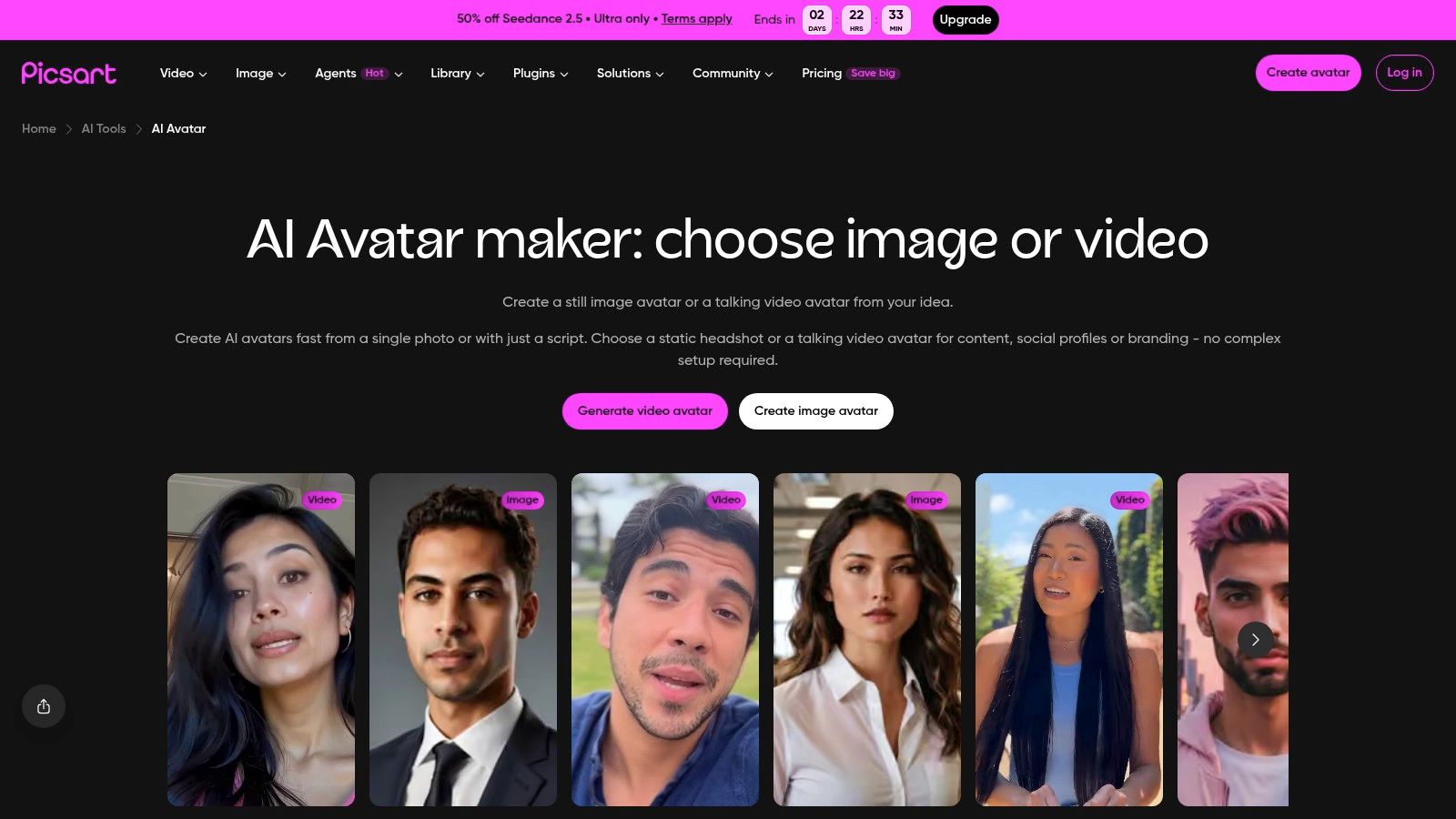
Phone-first creators will feel at home with Picsart. According to Picsart, its selfie based AI avatar creator works on web and mobile, and the key advantage is what happens after generation. You keep editing the portrait with backgrounds, text, stickers, and other effects instead of moving the file into a second app.
That's a practical workflow for social graphics. Generate a stylized portrait, swap the background, add your username or a launch date, and post from the same session. For TikTok and Instagram creators who already edit on mobile, fewer exports means fewer chances to lose quality or momentum.
The free tier is the constraint. The free avatar selection is limited, and higher resolution exports, faster generation, and more styles may require a subscription. Don't judge the paid style range by what the free plan shows you, and don't assume a free export is large enough for print without checking its dimensions first.
Input quality decides a lot. Results depend on photo quality and pose, and Picsart recommends a clear, front facing image. Take the selfie in window light, face fully visible, hair off your face. That one minute of setup saves more retries than changing styles repeatedly.
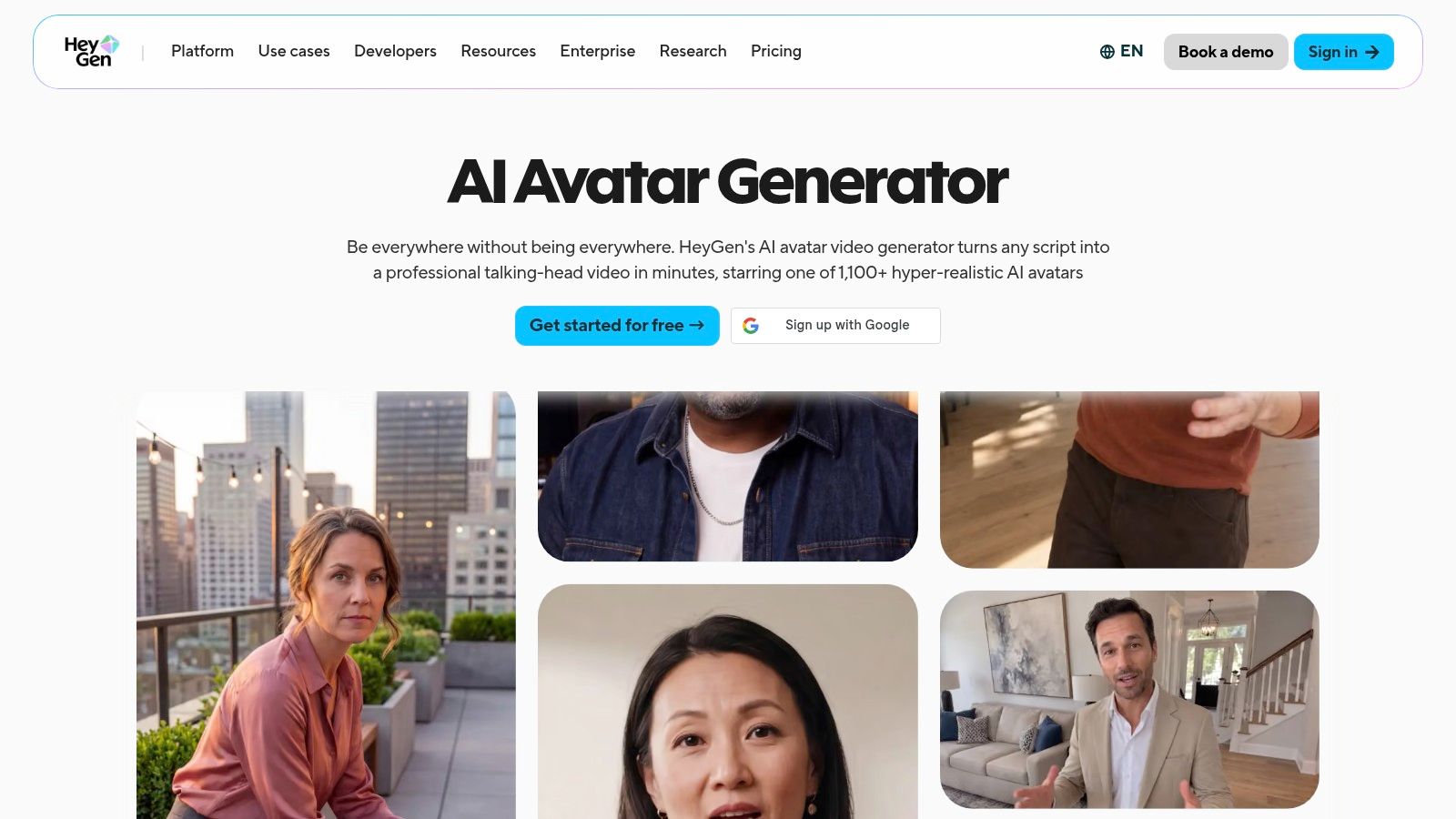
HeyGen solves the speaking problem. It's built for talking avatars and presenter videos, not downloadable still portraits. You can create a talking avatar from a photo or choose a ready made avatar, then generate speech and lip movements from a script. Captions, music, and video backgrounds are editable, which suits short form social and presentation videos.
The time saving is real when content changes often. Editing a script and regenerating is quicker than booking, filming, and cutting a new take, and stock avatars let you test a format without creating a custom character first. If you're comparing that workflow with a still image route, this AI avatar video generator shows the separate video led path.
Free use is a trial, not a publishing plan. According to HeyGen, the free plan includes limited output with a watermark and is intended for trying the service. That watermark is the key difference from several still image tools above. Test voice, pacing, and lip sync for free, but budget for paid access if the avatar will front regular public videos.
Choose HeyGen only when the avatar must talk on camera. For a profile picture, it adds script and video steps you don't need.
| Best for | Free access | Photo upload or text prompt | Watermark / ownership notes |
|---|---|---|---|
| starryai, recommended for versatile AI avatars and image creation | Daily free generations; new users get 5 lumens for 25 images | Text prompts, emojis, or uploaded photos | Advertises watermark-free images, full ownership, and commercial rights |
| Magic Hour, quick profile portraits in varied styles | Advertises free use with no sign-up; limits may apply | Uploaded photo | Advertises downloads without a watermark; ownership terms not specified |
| PFPWhim, themed social, gaming, and pet profile pictures | Advertises free, unlimited creation without an account | Text-led creation or uploaded photo | Advertises no watermark; ownership terms not specified |
| FreePFP.ai, restyled profile pictures with framing tools | One free picture per day; email sign-in required | Uploaded photo | Watermark and ownership terms not specified |
| OpenArt, recurring characters and broader visual development | 40 free credits for new accounts | Photo, text prompt, or preset | Watermark and ownership terms not specified |
| Canva, avatars incorporated into social and marketing designs | Not specified; tools and limits may vary | Create from scratch or personalize a premade character | Watermark and ownership terms not specified |
| Adobe Express, animated talking-avatar clips | Free creator with limited AI-generation access | Select a character and add recorded or uploaded audio | Watermark and ownership terms not specified |
| ImagineArt, original avatar concepts and related creative visuals | Free daily credits, according to the company | Text prompts or reference images | Company says users retain commercial rights; watermark details not specified |
| Picsart, selfie avatars with additional editing tools | Limited free selection; more styles and features may require a subscription | Selfie or uploaded photo | Watermark and ownership terms not specified |
| HeyGen, talking avatars and presenter videos | Limited free output for trying the service | Uploaded photo or ready-made avatar; add a script | Free output includes a watermark; ownership terms not specified |
Pick by output first, style second. If you need a still image you can publish or sell, starryai is the strongest everyday starting point because it advertises daily free generation without watermarks, with full ownership and commercial rights, and gives you editing tools after generation. That's the combination casual trend hoppers and Etsy sellers both need, even though their end uses look nothing alike.
For a fast profile change, the decision is simpler. Choose Magic Hour when you have a good selfie and want several profile ready looks in a browser without sign up. Choose PFPWhim when you want a themed aesthetic, a gaming identity, or a pet avatar and you'd rather start from an idea than your own face. FreePFP.ai works if one careful generation a day is enough, and Picsart fits when you'll keep editing on your phone.
Recurring characters need a different test. Don't ask which tool makes the prettiest first portrait. Ask which one makes the same character again in a new pose, outfit, or setting. That's why OpenArt, with saved and reusable characters, and ImagineArt, with prompt and reference image generation inside a wider creative platform, suit authors, game masters, and serial creators better than one click restylers. Canva joins this group only when the avatar lives inside templates and finished graphics.
When the avatar has to speak, stop comparing still image tools. Adobe Express is the lighter route for an animated character reading your recorded or uploaded audio. HeyGen is the presenter route, with script generated speech and lip movement, but its free watermarked output is for evaluation rather than regular publishing. Test one short script in either tool and judge preview speed, voice fit, and whether you'd trust that face to represent you for a full minute.
Before you publish commercially, check rights with fresh eyes. The U.S. Copyright Office January 29, 2025 report concluded that prompts alone generally do not provide enough human control to make the user the author of an AI output. Your creative selection, arrangement, and modification therefore matter, especially for book covers, merchandise, and brand mascots. Keep prompt and edit records, avoid logos and celebrity likenesses, get consent for other people's selfies, and read each platform's current commercial use and privacy terms on the day you plan to sell.
Disclosure deserves the same care. A 2026 survey reported in SME Today found that 46% of social media users were uncomfortable with brands using AI influencers. A playful, clearly stylized transformation of your own selfie is a different trust proposition from an unlabeled avatar presented as a real spokesperson. When an avatar speaks for a brand, label it plainly in the caption or profile. When it's an obvious fictional character, say so and move on.
Start with one tool and one clear use case this week. Make the profile, character, or talking clip you need, check the export and terms, then decide whether the free tier earned a permanent place in your workflow.
Ready to make an avatar you can publish? starryai turns your prompts, emojis, and photos into polished visuals in seconds, with daily free generation advertised without watermarks and with full ownership and commercial rights. Start with one selfie or character idea, test a few of its 1,000+ styles, and keep the version that still looks like your idea when it's small on a phone screen.


.svg)