


Written by Mo Kahn on


You're standing in a good patch of light, phone in hand, with a decent outfit and nowhere to put your other arm. The first shot looks like every other front-facing snap in your camera roll. A change in framing, a reflection, a prop, or a little movement can give the image a clearer mood before you add any effects.
The strongest selfie photo ideas do more than show a face. They create a recognizable mood through composition, light, movement, or a distinctive object. Self-portraiture has a long history: Robert Cornelius is widely credited with making the first known photographic self-portrait in Philadelphia in 1839, using a daguerreotype process that took roughly a minute to expose (BBC's account of the early photographic self-portrait). The modern smartphone selfie is a different tool, but the creative choices are familiar: pose, expression, setting, and visual concept.
Try these ten setups for fashion, travel, seasonal, beauty, character, and short-form content. Each pairs a practical shot you can stage in daily life with a matching starryai prompt, so you can keep the pose that works and push the aesthetic further. For a formalwear look, the lines and open back of open-back prom dresses can also make a strong focal point in a mirror or silhouette composition.
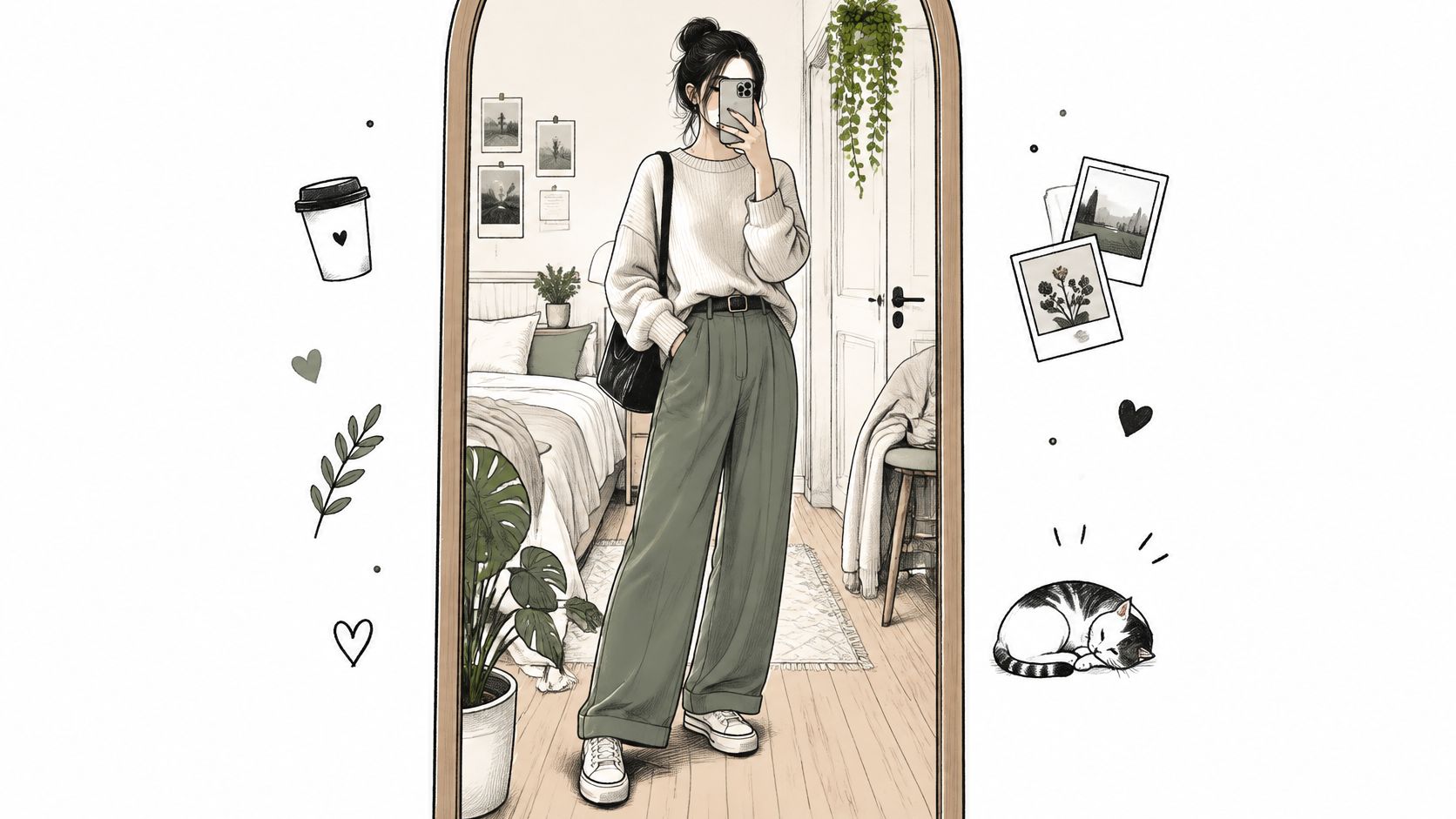
A mirror selfie gets more interesting when the mirror becomes part of the composition instead of just a convenient way to see your outfit. Fashion creators use full-length reflections to show a look from head to toe, while lifestyle creators can include room details that support the image's mood. A framed mirror, tidy corner, or repeated line in the background makes the shot feel planned.
Wipe the mirror, then turn off harsh overhead lights if they create glare. Hold the phone around chest height and tilt it slightly to reduce how much of the device dominates the reflection. Move a step to either side if a lamp or doorway cuts awkwardly through your outline, and crop out background clutter before sharing.
Practical rule: Keep one visual anchor clear. It might be the outfit, the mirror frame, or a striking room detail, but don't ask all three to compete.
For a generated variation, upload the photo to starryai and try: “Preserve my mirror-selfie pose and outfit silhouette, transform the reflection into a warm vintage fashion portrait, soft film grain, muted colors, elegant bedroom, clean composition.” A neon version can work for a bolder social post, but too many glowing details may swallow the original outfit. Start with the reflection and styling intact, then adjust the atmosphere.
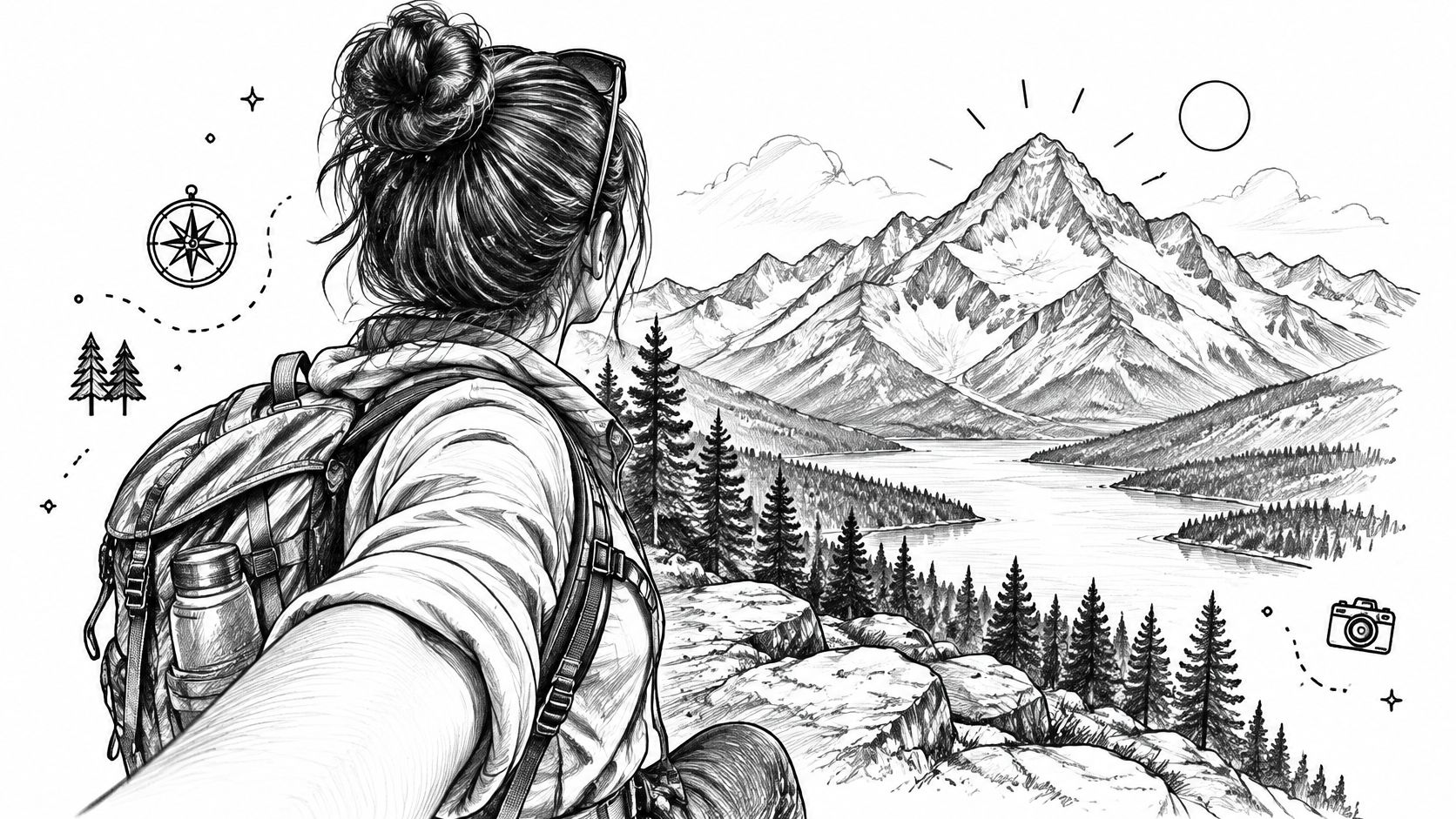
Turn your body away from the lens, then look back toward it or toward the view. The pose gives the image a sense of direction: the viewer sees you, but also gets invited into the place you're looking at. That makes it useful for travel scenes, city streets, autumn walks, or a winter market where the background carries part of the story.
Try the phone's wide-angle setting when you want more of the scenery in frame. Place the scene behind your shoulder rather than directly behind your head, and tap to focus on the background if the environment matters as much as your expression. Slightly lowering exposure can preserve bright skies and city lights, though too much can make your face difficult to read.
Travel creators often use this pose at a viewpoint or sunset, while lifestyle creators can make it feel seasonal with a coat, scarf, or warm drink. Keep the body angle relaxed; an over-posed shoulder twist reads as stiff rather than candid.
For a generated version, try: “Keep my over-the-shoulder selfie pose, replace the background with a dreamlike autumn mountain overlook, layered mist, soft amber leaves, natural expression, cinematic travel photography.” A short caption that names the place, weather, or small moment adds context without competing with the scene.
A low angle makes the sky, ceiling, or skyline feel larger and gives a portrait a confident, cinematic quality. Cosplayers can use it to emphasize armor or a dramatic costume, while fashion creators can frame streetwear against buildings. The trade-off is facial distortion: hold the camera too close or point it sharply upward, and the angle can exaggerate features.
Hold the phone a little above your waist and tilt up gently. Keep it farther from your face than an arm's-length close-up, then use a clean background such as open sky or a simple wall. Golden-hour light adds warmth, but check that the sun isn't creating hard shadows across your eyes.
For more control over how the background and subject sit in the frame, use this guide to photo composition. A small change in camera height can shift the effect from casual snapshot to character poster.
Prompt idea: “Preserve my low-angle pose and costume, add a dramatic fantasy sky, distant mountain silhouettes, cinematic golden-hour light, heroic character portrait, detailed but uncluttered background.” This works for RPG avatars and cosplay concepts, too. If the face becomes over-stylized, simplify the prompt and ask starryai to keep the pose and key outfit details consistent.
Leaving space beside your face gives a selfie room to breathe. Place yourself toward one side of the frame and reserve the other for a quiet wall, sky, or softly textured background. That asymmetry feels editorial and also leaves a usable area for a book title, product name, or short caption.
Switch on the camera grid and align your eyes near one of the vertical guide lines. A small tripod or selfie stick helps when you need precise placement, especially for a launch post where text must fit without covering your face. Keep the open side visually calm. A bright sign or busy pattern can make overlay text harder to read.
Authors can use the negative space for a book title, while marketers might place a product or announcement beside the portrait. For an AI-assisted layout, try: “Keep my face and off-center framing, extend the empty space on the right into a soft illustrated background, subtle color palette, clean editorial portrait, clear area for title text.” Generate the background first, then add final lettering in a design tool so the text stays crisp and accurate.
This composition also adapts well to profile graphics and promotional covers. The main trade-off is that an overly empty side can look accidental, so give it a deliberate color, light gradient, or simple environmental detail.
A silhouette trades facial detail for a strong outline. Stand with a bright source behind you at sunrise or sunset, then choose a pose that reads clearly: lift an arm, turn your profile, or let a scarf or hair move in the breeze. Travel creators use the look against beaches and mountain views; writers can adapt it into atmospheric character art.
Tap the bright background to set exposure, then lower brightness until your figure becomes a clean shape. If the face remains too visible, move so the light sits directly behind your head or shoulder. Avoid complicated hand positions; fingers and props can merge into an unclear outline.
starryai can add atmosphere without changing the basic silhouette. Try: “Preserve my backlit silhouette and raised-arm pose, add a glowing surreal sunset sky over the ocean, soft color gradients, emotional book-cover atmosphere, strong readable outline.” For more control over the light treatment, explore the lighting editor.
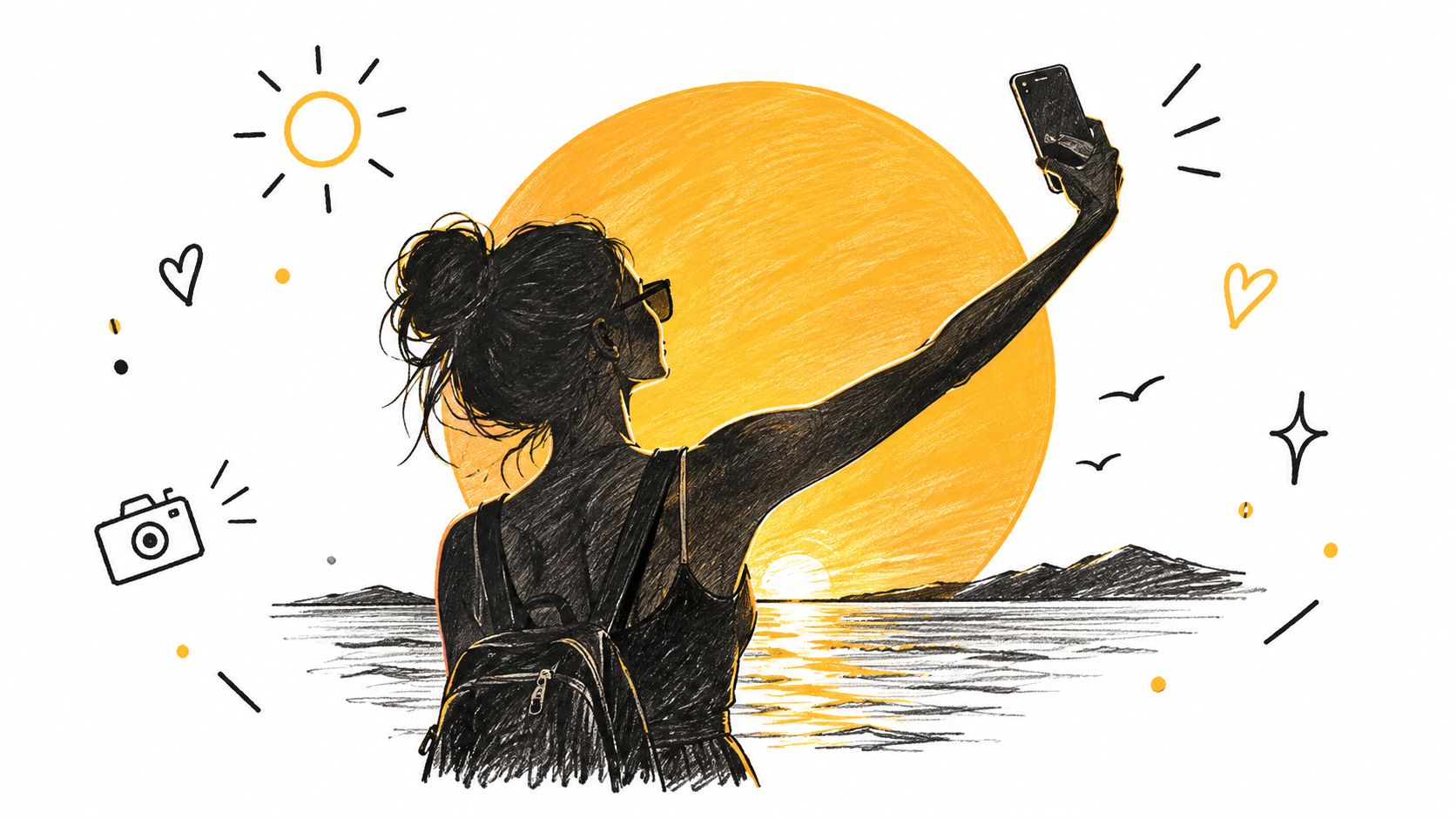
The look can be beautiful, but it's not the right choice when viewers need to recognize your expression or makeup. Treat the silhouette as a deliberate visual style, not a flattering portrait with missing detail.
Use a café window, glass door, or glossy surface to layer your reflection over what sits beyond it. The result can feel urban and cinematic, especially at night, when interior light and street signs create contrasting shapes. A creator filming near a subway window or a café after dark can turn an ordinary stop into a mood-driven portrait.
Clean the glass, then stand at a slight angle to reduce unwanted glare. Dim light on your side and brighter detail beyond the glass usually make the reflection easier to distinguish. Tap to focus on your face, then adjust exposure until the reflected scene still holds detail.
Try: “Preserve the layered window reflection and my face, add subtle neon city lights outside, moody night portrait, rich reflections, restrained color, cinematic urban atmosphere.” Keep the effect controlled. If the AI transformation adds extra reflections or light sources across the face, the image may lose its central subject.
This setup is especially useful when you want the setting to share attention with the portrait. It can also be privacy-conscious if you crop or angle the face so it's less recognizable, though a reflection alone shouldn't be treated as a guarantee of anonymity. Check the background for visible location clues before posting publicly.
Your hands can create a frame inside the frame. Cup them loosely around your face, shape a heart, or leave a small gap between your fingers and cheeks so the pose doesn't feel cramped. Beauty creators can use this for makeup close-ups; a flower or holiday-inspired hand shape can make the same setup feel seasonal.
Keep your fingers relaxed and slightly separated. Place them closer to the lens than your face if you want a soft foreground edge, but check that the hands don't block your eyes or cast distracting shadows. Warm, even light helps skin tones and makeup read naturally.
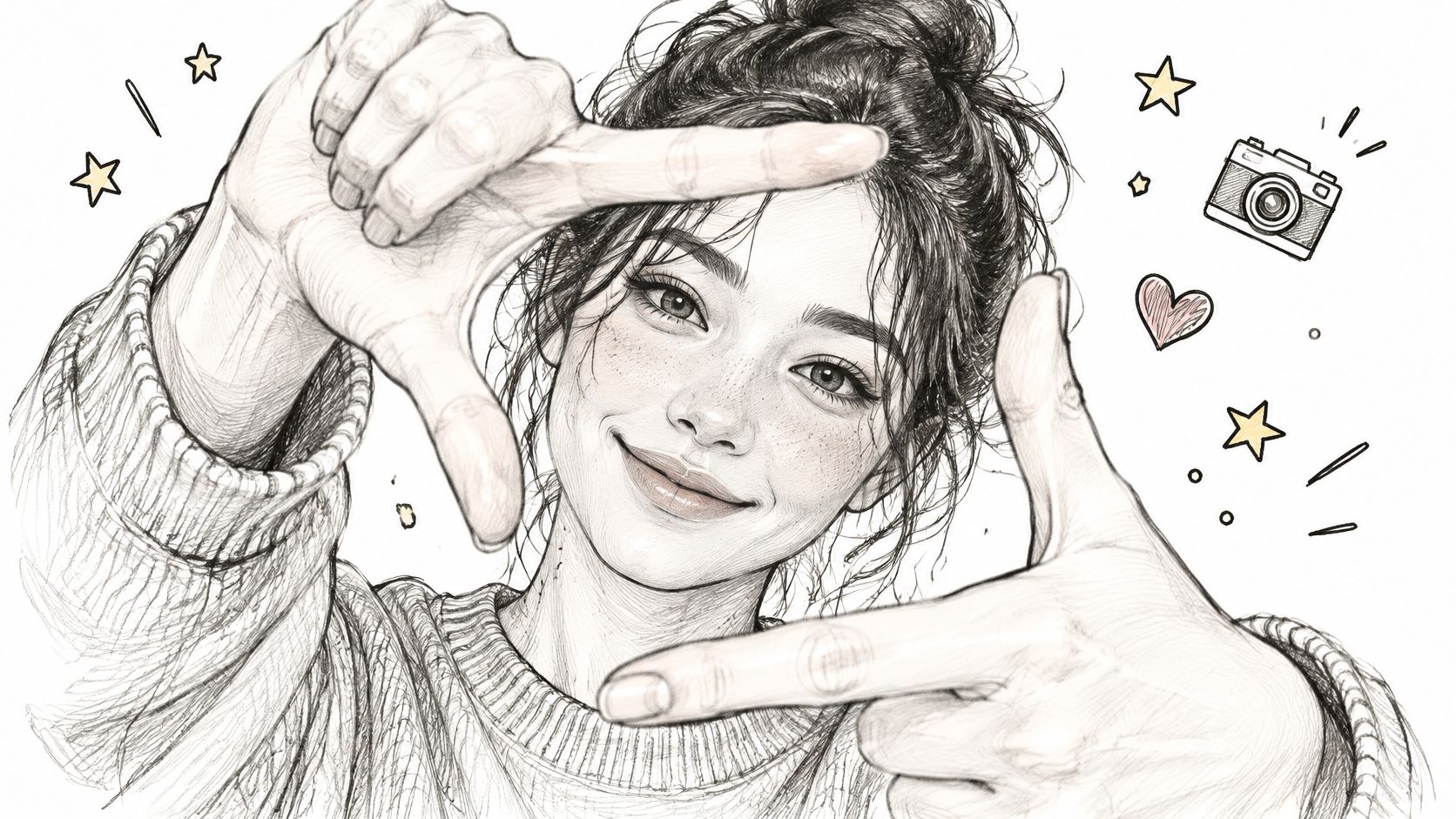
For an AI variation, use: “Keep my face and hand-framing pose, turn the space around my hands into a delicate floral border, warm soft light, natural skin texture, playful beauty editorial.” A themed border can add personality, but an elaborate frame may distract from makeup or expression. Keep the decoration close to the edges.
A hand-framed selfie can also feel more personal than a direct pose because the hands create a small gesture for the viewer to read. If the fingers look unnatural after transformation, simplify the design and preserve the original hand position.
Let a shadow become part of the portrait instead of treating it as a flaw. Stand beside a plain wall in direct sunlight or near a window with hard light, then place yourself so your outline falls inside the frame. Fashion creators can use the shadow to echo an outfit's shape; designers can turn the contrast into a graphic, poster-like image.
Choose a simple pose first. A clear profile, raised hand, or turn of the shoulder reads better than a tangled stance. Keep the background uncluttered, and check that the shadow doesn't disappear behind your body or run out of the frame.
Visual test: If the shadow doesn't read at thumbnail size, move the light, the subject, or the camera before adding effects.
To transform the result, try: “Keep my selfie and wall shadow, restyle the shadow as a surreal illustrated shape, bold clean contrast, minimal editorial poster, limited color palette, preserve the outline.” This works for merch concepts and social graphics because the shape stays legible. Heavy texture can blur the boundary between subject and shadow, so use a restrained style when the silhouette matters.
A prop can suggest a story before the viewer even notices the pose. Hold an umbrella across part of the frame, peek over a book, or bring a flower or fan near your cheek. Seasonal creators can use rainy-day accessories or spring flowers, while authors can build a recognizable literary look with an open book or stacked novels.
Choose an object with a simple shape and a color that contrasts with your face or clothing. Keep it close enough to feel like a foreground element, but not so close that it overwhelms the portrait. If you want both the object and face sharp, avoid an extreme difference in distance; otherwise, focus on your face and let the prop soften slightly.
Prompt: “Preserve my peekaboo pose and the object's position, transform the umbrella into a delicate fantasy accessory, seasonal color palette, expressive portrait, clear face and readable foreground shape.” An AI transformation can turn a flower into a magical bloom or a book into an ornate storybook, but a complex replacement may change the object's outline. Keep the original pose and prop placement as anchors.
A prop should support the theme, not do all the work. If it hides too much of the face, the portrait may lose its connection with the viewer.
A little blur can make a still image feel like it belongs to a moving clip. Sway, turn, or spin while keeping the phone steady at arm's length, then choose a frame where the face or outfit still reads clearly. TikTok dance creators can borrow a pose from a trend; fashion creators can use a controlled turn to show how a skirt or dress moves.
Burst mode helps you pick a frame with the right balance of motion and detail. If you're filming, move your body rather than swinging the phone, then extract a frame from the clip. A short video can also give you more options for matching the shot to music or a current format.
For an AI treatment, try: “Keep my dancing selfie pose, add a gentle motion trail and trend-inspired color glow, energetic short-form aesthetic, clear face, dynamic but readable composition.” Too much blur can obscure the expression, so preserve one sharp feature, such as the eyes or clothing edge. For moving-image treatments, see AI video effects for dynamic visuals.
A dance-inspired look can also work for a wedding or event post. If you're planning a first dance, Danza Academy's first-dance choreography ideas can help you find movement worth capturing.
| Selfie Style | 🔄 Implementation Complexity | ⚡ Resource Requirements | 📊 Expected Outcome | ⭐ Key Advantage | 💡 Ideal Use Cases |
|---|---|---|---|---|---|
| Mirror Selfie with Intentional Framing | Low; arrange pose and frame | Mirror, phone, tidy background | Polished, staged reflection | Easy to repeat; no extra equipment | Fashion, outfits, room aesthetics |
| Over-the-Shoulder Selfie | Medium; balance subject and scenery | Phone; scenic background; wide-angle lens helpful | Candid, story-focused image with depth | Makes the setting prominent | Travel, city scenes, seasonal posts |
| Low-Angle Hero Selfie | Low; adjust phone angle and posture | Phone; open sky or ceiling; good light | Dramatic, confident appearance | Emphasizes outfit and silhouette | Fashion, cosplay, gaming |
| Rule-of-Thirds Off-Center Selfie | Medium; position subject and preserve negative space | Phone grid helpful; uncluttered background | Editorial layout with room for text | Adaptable to overlays and cropping | Promotions, announcements, cover designs |
| Backlit Silhouette Selfie | Medium; control exposure and pose | Strong light source, ideally sunrise or sunset | High-contrast outline and dramatic mood | Striking, minimalist effect | Travel, sunset posts, cover art |
| Window or Glass Reflection Selfie | Medium; balance focus and reflections | Clean glass; contrasting light | Layered, moody image with depth | Creates visual interest without props | Urban, nighttime, cinematic content |
| Hand-Framed Selfie | Low; position hands naturally | Phone; warm light optional | Close-up with attention drawn to the face | Simple, expressive framing | Beauty, portraits, seasonal posts |
| Shadow Play Selfie | Medium; align light, shadow, and frame | Strong directional light; plain surface helpful | Graphic, high-contrast composition | Artistic impact with a simple setting | Fashion, design, minimalist content |
| Peekaboo Prop-Framed Selfie | Medium; coordinate prop and focus | Phone and a suitable prop | Playful, themed image with foreground depth | Adds personality and can partially conceal the face | Seasonal posts, hobbies, book content |
| Motion-Blur Dance Selfie | High; capture and select a usable frame | Phone; adequate light; burst mode or video helpful | Energetic image with intentional motion blur | Conveys movement and spontaneity | Dance trends, Reels, TikTok, fashion in motion |
Choose the setup that fits the platform and the story you want the image to tell. A mirror selfie can showcase an outfit, a reflection can build a moody city portrait, and motion blur can bring energy to short-form content. Don't force every idea into the same polished, front-facing look. Selfies can express identity, document an experience, create a connection, or play with a visual style.
Shoot a few variations and change one element at a time. Try the same pose with different framing, light, or props, then compare the results using similar captions and posting conditions. A global comparison of 3,200 Instagram selfies across Bangkok, Berlin, Moscow, New York, and São Paulo found that selfies made up only about 3–5% of the images analyzed, with regional differences in expressions and posting patterns (the selfiecity project's analysis of five cities). For creators, the practical lesson is to test expressions and styling for your audience rather than assuming one pose works everywhere.
Authenticity doesn't mean avoiding creative edits. It can mean keeping the details that communicate your mood or identity, even when you transform the setting or palette. A survey discussed in research on selfie realism found mixed views of shared selfies, with respondents differing over how authentic they considered them (research on selfie authenticity and social media). If you use AI styling, decide what you want to preserve, such as your expression, pose, or recognizable features, and disclose the transformation when context calls for it.
Think about privacy before sharing a face publicly. A selfie can reveal more than appearance, including location clues or biometric information that's difficult to take back once exposed (research on privacy and selfie data). Cropping, silhouettes, reflections, and partially obscured compositions offer creative alternatives when you want less recognizability, though no visual treatment guarantees protection. Review the background as carefully as the face.
Use starryai to build a consistent visual theme across a series, then publish the version that best fits your audience and caption. A large historical analysis of Instagram images reported that selfies attracted more likes and comments than general content, but platform algorithms have changed, so treat that finding as context rather than a promise of performance (analysis of selfie engagement on Instagram). The useful habit is to keep testing: compare clear, expressive portraits with more stylized variations and learn what your own audience responds to.
starryai turns selfies, text prompts, and emojis into AI-generated visuals, giving you a way to explore these looks without rebuilding each scene by hand. Try a mirror portrait, a fantasy silhouette, or a motion-inspired color treatment, then visit starryai to create your own selfie series.


.svg)