


 200 lumens / month
- Create videos with lumens
- Free 4× image upscaling
- 50% off lumens
- Ad-free experience
- Unlock all canvas sizes
- Bulk creations
Trusted by 500k+ creators
Turn your video title into a thumbnail
Start from your photos, a thumbnail you love or a proven layout, then compare up to six 16:9 options side by side.
Add your video title to start. A rough topic works too.
Add your own photos and exact text on the next step.
From a title to a thumbnail you can publish
Tell starryai what the video is about. It plans a distinct concept for every thumbnail and designs each one to read at phone size, with the timestamp corner kept clear.
- Video title
- How I edit my videos twice as fast
- Thumbnail text
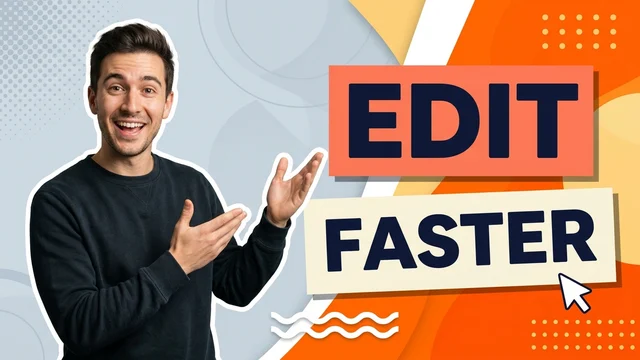
- EDIT FASTER
- Layout
- Big Headline Tutorial
Start from anything
Bring your own photos or a thumbnail you love, pick a proven layout, or explore variations until one feels right.
Any reference
Upload you, a guest, your product, a location or a thumbnail whose look you like.
A layout
Use one of the layouts below as a starting point for your topic.
Variations
Get up to six takes on one idea, each with its own scene and composition.
Pick a layout to start from
Big Headline Tutorial
A presenter or result beside a bold two-line headline.
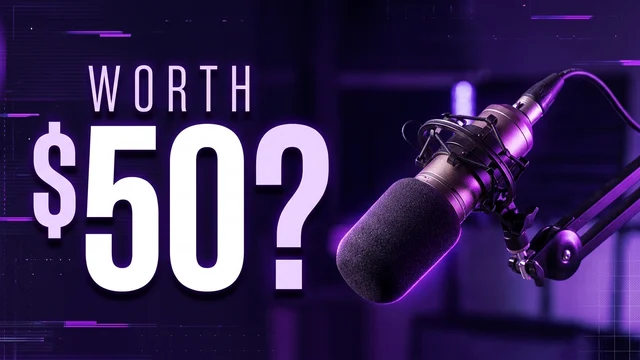
Product Review
One hero product in a quiet studio setting.
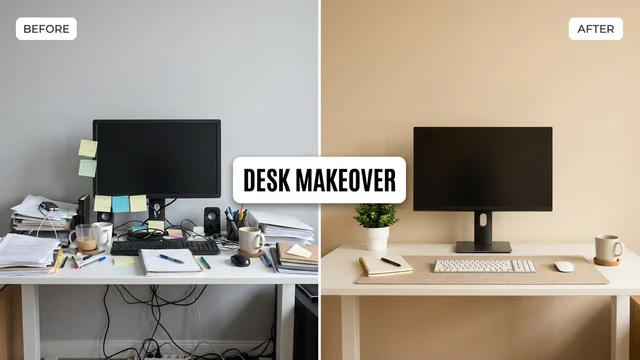
Before & After
A matched split that shows the change.
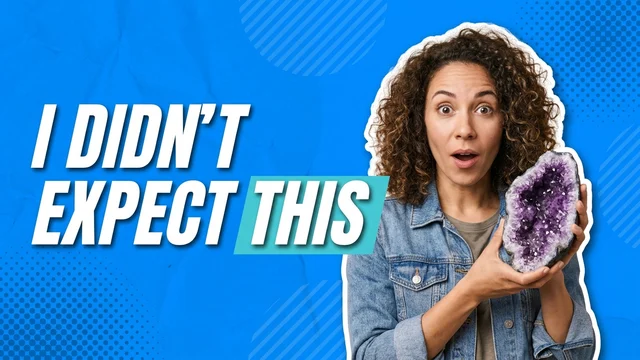
Reaction & Reveal
An expressive face beside the reveal.
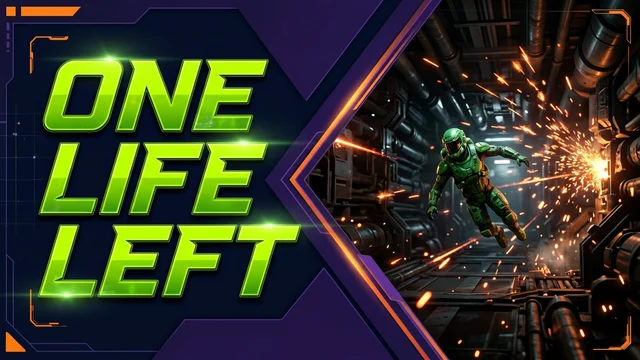
Gaming Challenge
An action-led scene with neon accents.

Vlog & Travel
An editorial collage of two or three moments.
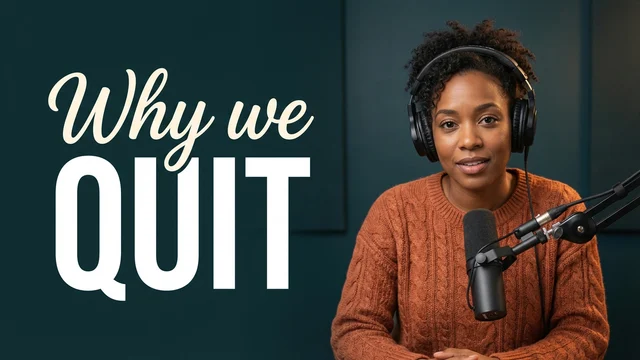
Podcast & Interview
A host portrait with an editorial headline.
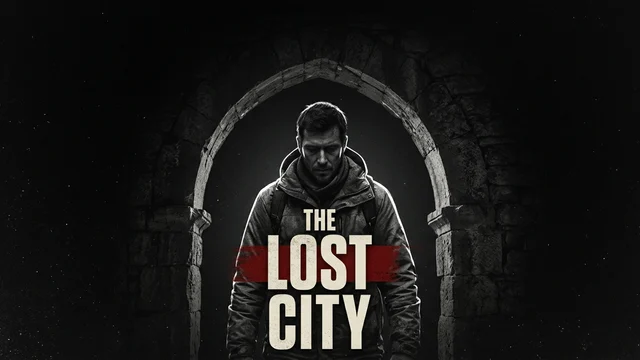
Mystery & Documentary
One clue in cinematic low light.
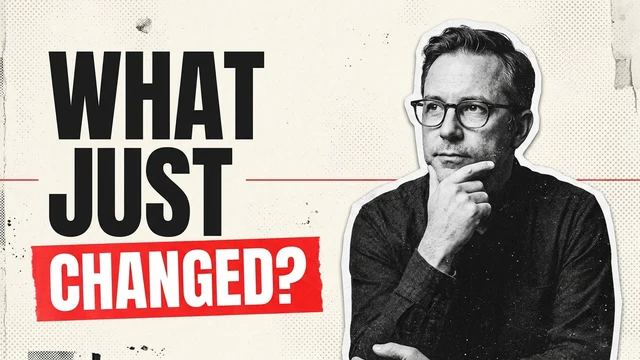
News & Commentary
A presenter or context with a crisp headline.
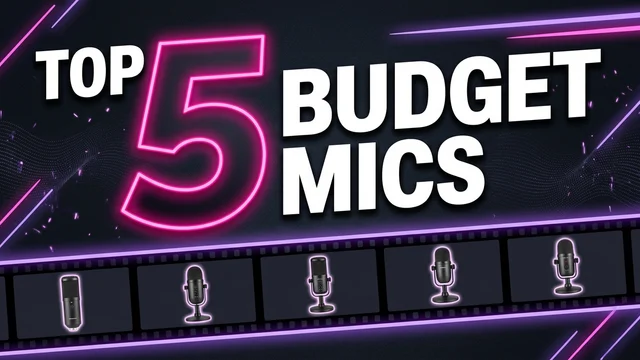
List & Ranking
An ordered lineup that is easy to compare.
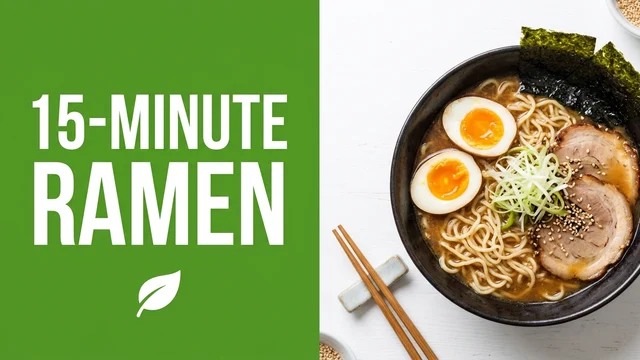
Food & Recipe
The finished dish as the hero.
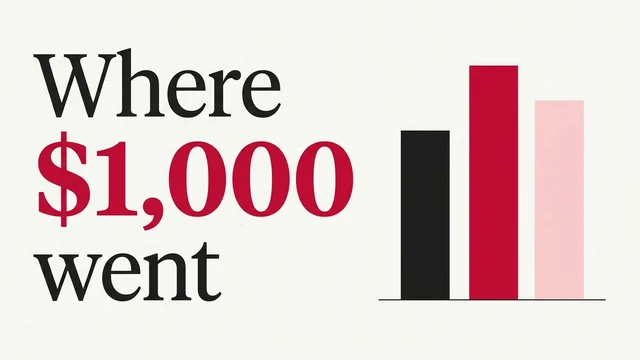
Finance & Data
A clean layout built around one key number.
Three steps to your next thumbnail
- Step 1
Describe your video
Add the title or topic. Optionally add your exact thumbnail text, notes on color or mood, and up to five photos of you, a guest or your product.
- Step 2
Pick layouts
Add a thumbnail you love as inspiration, start from a layout, or let starryai choose. Ask for more to get variations of the same idea.
- Step 3
Compare and download
See up to six 16:9 thumbnails side by side. Refine the strongest one, then download the ones you want to test.
Unlock the full power of starryai

 Popular
- Unlimited standard image generation on supported styles
- Create videos with lumens
- 4,000 fast generations / month
- Unlimited 4× upscaling in slow mode
- 50% off lumens
- Ad-free experience

 Value
- Unlimited standard image generation on supported styles
- Create videos with lumens
- 12,000 fast generations / month
- Unlimited 4× upscaling in slow mode
- 50% off lumens
- Ad-free experience
YouTube thumbnail questions
What do I need to start?
Only your video title or topic. Thumbnail text, creative notes and reference photos are optional.
Can I put myself or my product in the thumbnail?
Yes. Upload up to five photos of yourself, a guest, a product or a place. starryai uses them as references for likeness and key details.
Can I choose the exact headline?
Type the exact words you want, let starryai suggest a short hook, or make a thumbnail with no text.
What size are the thumbnails?
Every thumbnail is made in a 16:9 widescreen format, the shape YouTube uses for video thumbnails.
How much does it cost?
Thumbnails are paid for in lumens, the credits you use across starryai. Each thumbnail uses 1 lumen, and you can make one to six at a time. Lumens come with starryai plans and can also be bought separately.
Can I use the thumbnails commercially?
Yes. Generated media can be used commercially and non-commercially under the starryai license.
Your next thumbnail starts with the title
Type it in and compare your first options side by side.
Add your video title to start. A rough topic works too.