

Written by Mo Kahn on


You need one original character for a channel avatar, a stream cover, and a line of t-shirts. The profile picture looks great, but its cropped shoulders don't work across a wide banner. Then you try a full-body version and discover that the face, jacket, and hairstyle have changed.
That's the practical problem with choosing a custom character creator online. A tool that makes a cute profile picture may fail on a cover, while a detailed 3D editor can be overkill for a flat logo. The right choice depends on the asset you need to finish, not how impressive the first preview looks.
This comparison groups the options by their strongest outputs: AI artwork and social layouts, preset avatars, tabletop and exportable 3D characters, and visual brainstorming. Each has a different trade-off between speed, control, portability, and permission to sell the result.
Choose the tool for the finished asset, then judge whether it can preserve your character's identity across the other formats.
For a recurring character, keep the same reference image, written description, and palette throughout. You'll still need different compositions for an avatar, cover, and print, but you shouldn't have to reinvent the person each time.
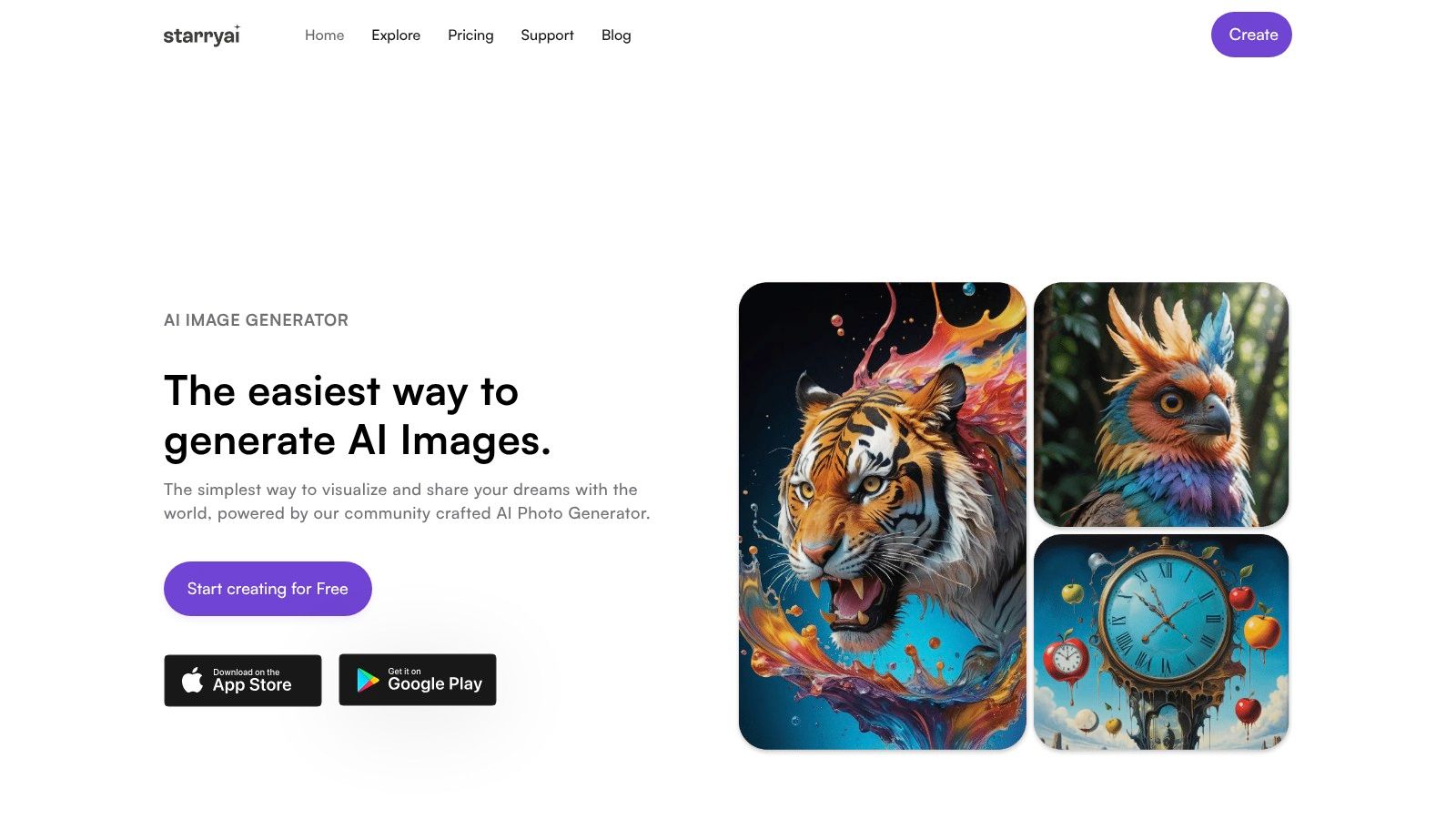
Best for AI character illustrations, social transformations, and merch concepts. starryai suits creators who have a character idea but don't want to assemble every facial feature or draw the artwork manually. You can start with text, emojis, or an uploaded photo, then explore more than 1,000 styles alongside enhancement, upscaling, and background-removal tools.
The useful workflow is straightforward: describe the character, choose a style, select a canvas size for the destination, and generate. For a channel mascot, specify the recognizable details first, such as a copper bob, round glasses, green work jacket, and embroidered moon patch. Add lighting and setting afterward so decorative language doesn't overwhelm the character description.
Start with a clean portrait before attempting a crowded scene. Approve the face, clothing, and palette, then use that reference when developing cover compositions or isolated artwork.
For merchandise, use the generator to establish the illustration, then inspect the isolated edges and order a sample before listing a product. You can also explore prompts for AI-generated merchandise to develop compositions around the product rather than merely placing a portrait on it.
Commercial permission and copyright protection aren't interchangeable. Keep your original references and records of substantive edits, especially when developing a character intended to become a recognizable brand.
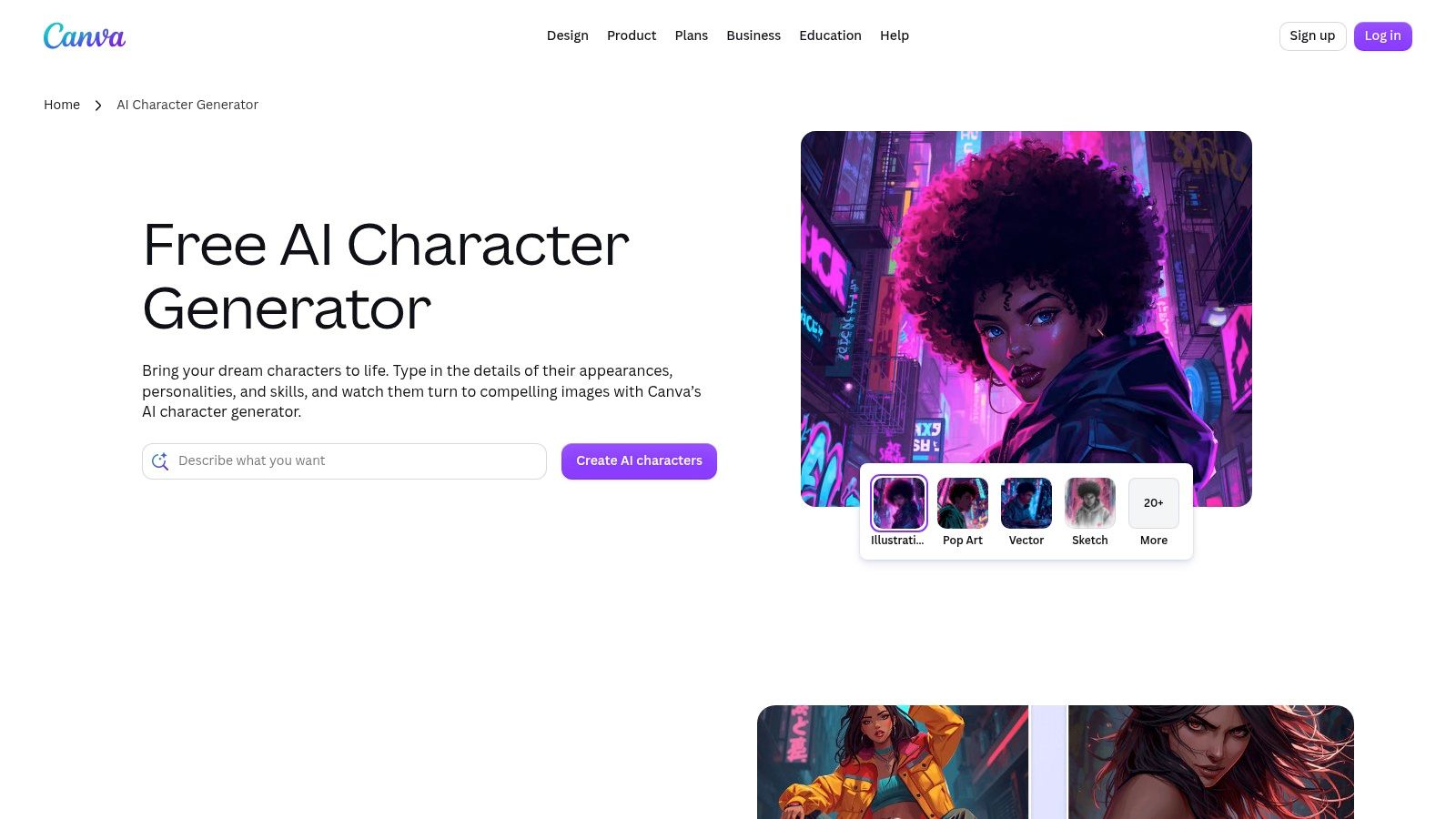
Choose Canva when the deliverable is a finished cover, not just a character image. The Canva AI Character Generator turns descriptions into artwork that you can continue editing inside a broader design workflow. Illustration, pop art, vector-style, and sketch treatments give you different starting directions.
Say your character needs to appear beside a stream title and a recurring schedule. Generate artwork with the character positioned away from the text area, then build the typography and layout separately in Canva. Don't ask the image generator to produce the final lettering.
For an avatar, a tight face crop may be enough. For a cover, check that the character's silhouette remains readable behind interface overlays and on narrow screens.
Licensing checkpoint: Review the conditions for the generated image and every added template element, font, or stock asset. A finished Canva composition can contain components with different usage conditions, and generation doesn't establish exclusivity or clear every possible commercial use.
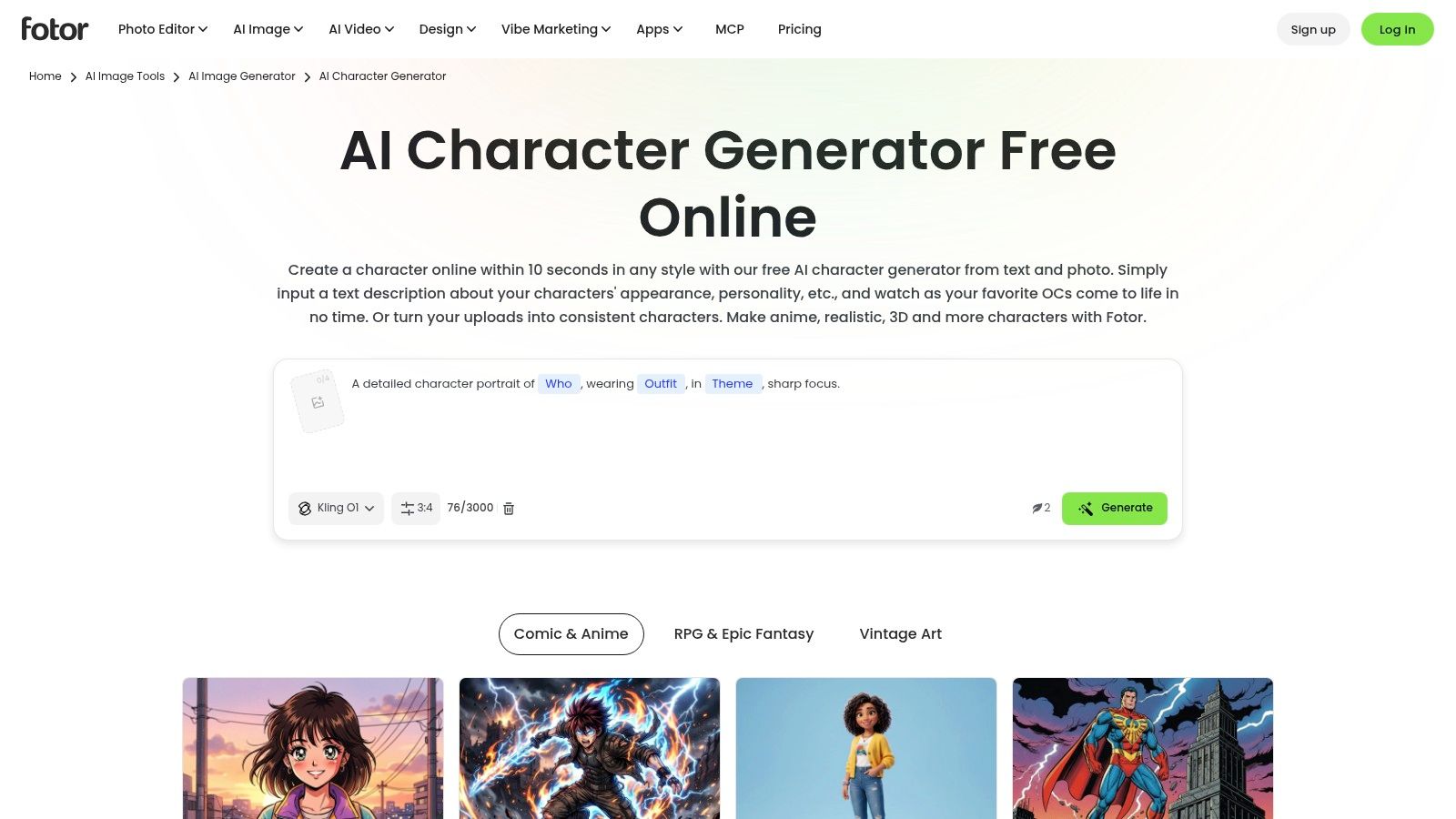
An author might need a convincing character portrait before deciding on a cover composition. The Fotor AI Character Generator fits that exploratory stage because it accepts text descriptions or reference images, with anime, fantasy, realistic, and 3D-inspired treatments.
Its framing controls matter more than the style labels. Request a portrait when you're evaluating expression and facial structure, then deliberately switch to full-body framing to assess clothing and proportions. A 3D-inspired image is still an image, not a model you can rotate or rig.
A reference is useful when a specific hairstyle, facial shape, or costume must survive a change in setting. Keep the description stable and change only the element you're evaluating.
In an ACM study comparing avatar input methods, multimodal input was particularly useful for detailed refinement and target-based customization. That supports a practical approach: establish the concept in words, then use a visual reference to narrow the result.
Trade-offs: Free credits support an initial trial, but repeated generations may require payment. Fine details and character consistency can still need retries or manual correction.
Licensing checkpoint: Fotor's terms govern commercial use. For a book project, also confirm that any uploaded reference is yours to use and distinguish internal character development from artwork intended for publication.
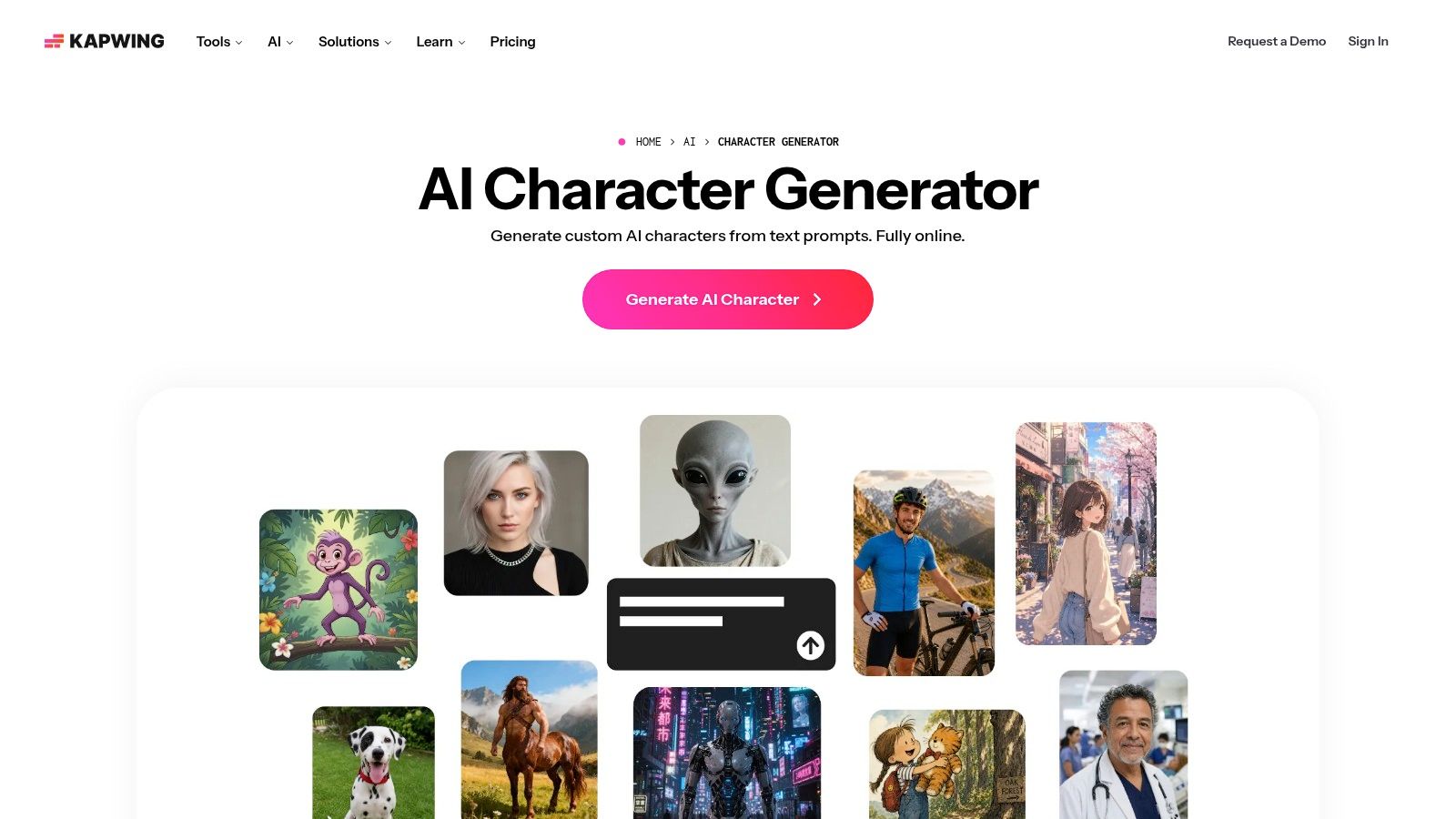
Recurring video characters need a production workflow, not merely an attractive portrait. The Kapwing AI Character Generator connects text- or reference-based character creation with browser-based image and video projects. Saved characters and premade options can reduce repeated setup.
For an explainer series, establish the presenter's outfit and appearance, then reuse that character while changing the scene and expression. Keep subtitles, callouts, and product screenshots in the video editor rather than embedding them into generated artwork.
Production rule: Save an approved character before building the episode around it. A nearly matching replacement can make adjacent scenes look inconsistent.
Kapwing is a stronger fit for short-form content and ads than specialist modeling. You can refine clothing, hairstyle, expression, and setting, but you won't get an exportable, rigged 3D model.
Publishing checkpoint: Separate the tool's usage terms from the destination platform's disclosure rules. For advertising, TikTok's edited-media policy permits qualifying AI-generated or significantly edited content with an accepted AI label or clear alternative disclosure. Don't assume an export without a watermark removes that responsibility.
Picrew is the quick-avatar choice when you prefer selecting parts to writing prompts. On Picrew, individual artists provide image makers with their own hair, eyes, clothing, accessories, and visual style. Some include color, positioning, or random-generation controls.
That structure makes choices predictable. If the maker includes the hairstyle and jacket you need, you can assemble an appealing avatar without repeatedly describing them to a generator.
The limitation appears when you need something outside the artist's inventory. A maker may have the perfect face but no full-body option, alternate pose, or suitable assistive device.
For a broader look at asset types, this guide to a 2D character creator helps distinguish assembled avatars from independently developed illustrations.
Licensing checkpoint: Check the individual maker's rules before modifying, publishing, or selling an output. Permissions aren't uniform across Picrew, and the platform says its images shouldn't be reposted as someone's own main artwork on illustration-focused social platforms.
I'd use Picrew to clarify a character concept, not assume that an appealing avatar is automatically a merch-ready original design.
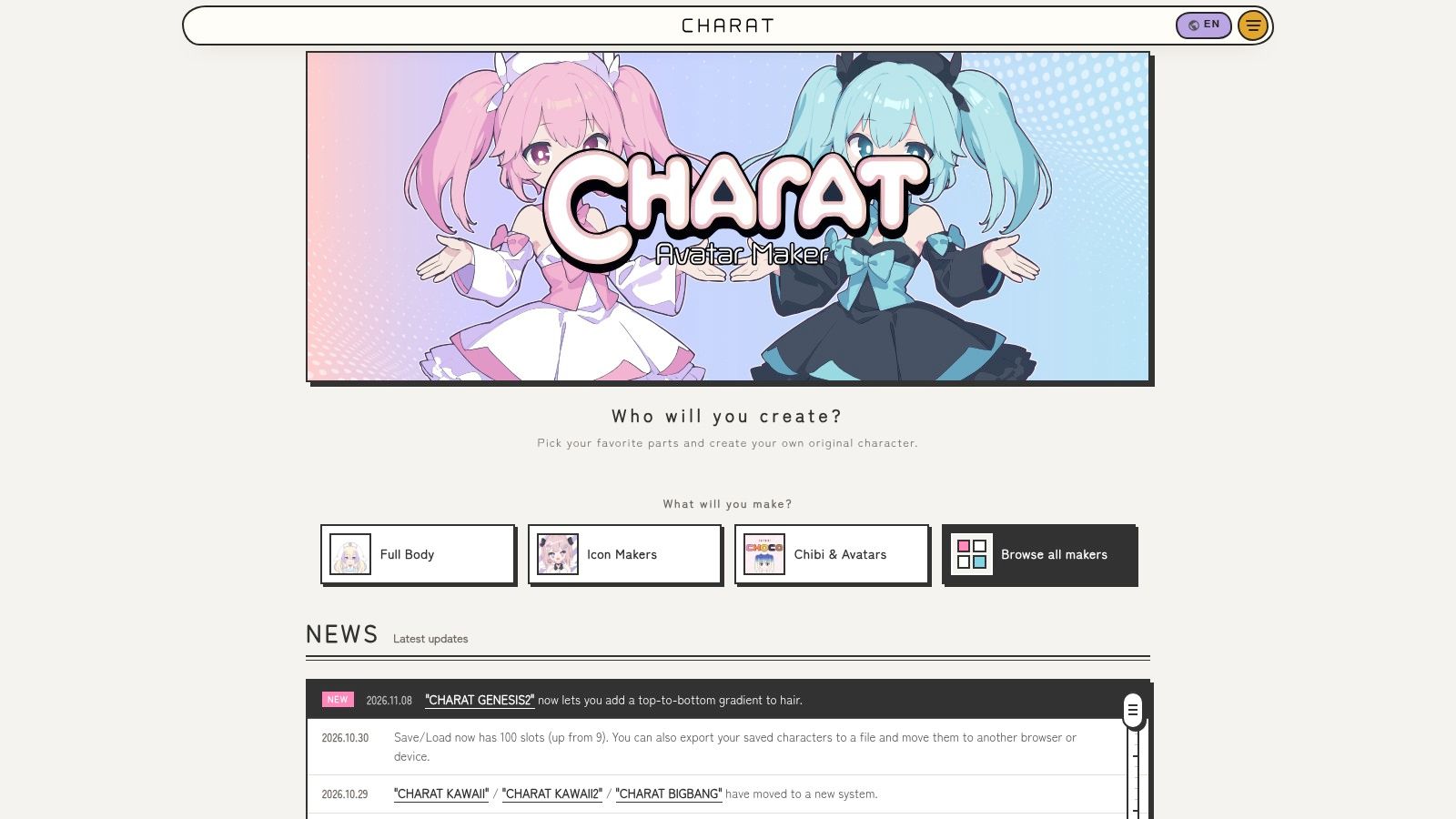
For an anime-style streaming persona, CHARAT provides a more directed starting point than an open-ended image prompt. Its browser-based makers include full-body characters, icons, and chibi avatars, with preset parts and save/load options.
CHARAT ORIGIN is particularly relevant to PNGTuber workflows, where transparent character images and expression variations matter more than cinematic backgrounds. Build the neutral expression first, then check whether alternate expressions preserve the same silhouette, outfit, and proportions.
A streaming persona also needs to represent the creator intentionally. In a Springer study of avatar self-similarity, resemblance was positively associated with avatar satisfaction. For a self-representative avatar, prioritize recognizable facial and identity details before adding elaborate costume elements.
Licensing checkpoint: CHARAT's guidelines allow some social, streaming, and commercial applications, but permissions are conditional. Selling digital character files or mass-selling merchandise may require additional permission or licensing.
A usable transparent PNG is a production asset, not proof that every resale format is permitted. Check the specific maker and planned product before building a storefront around it.
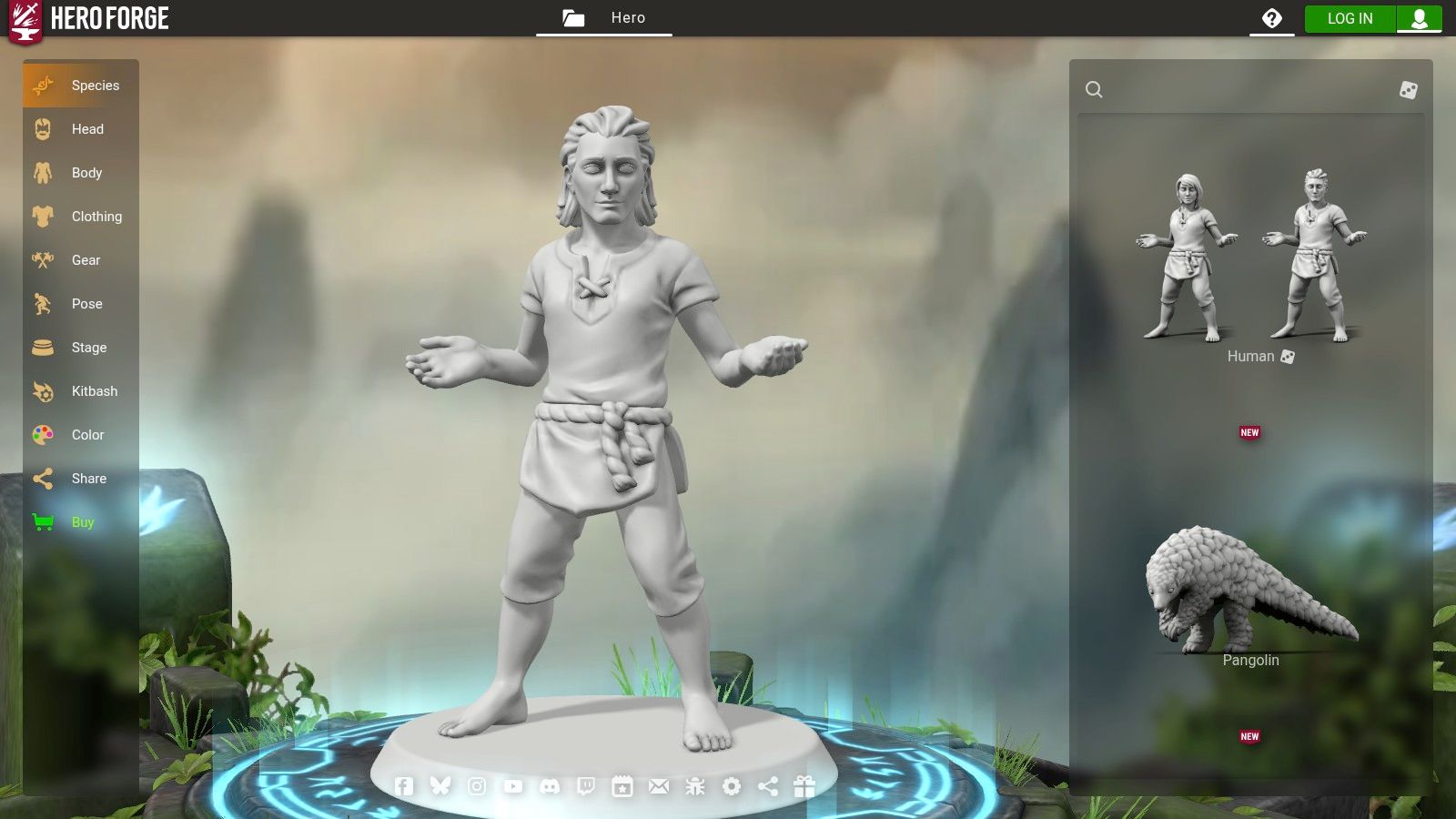
Choose Hero Forge when the character must become a tabletop asset. The Hero Forge browser editor lets you assemble appearance, equipment, and poses, then save and share a design or purchase a physical miniature or digital product.
A tabletop ranger needs equipment that makes visual sense from different angles. Work through the silhouette, weapon placement, clothing layers, and pose before getting absorbed in small decorative choices.
A pose that looks dramatic in a portrait may be awkward as a miniature. Rotate the preview, inspect overlapping equipment, and check whether important features disappear behind the arms or cloak.
For early ideation, this fantasy character creator guide can help you separate the character's visual concept from the requirements of a playable asset.
Licensing checkpoint: Buying a miniature or downloadable file doesn't automatically establish a right to resell that design, distribute files, or turn it into unrelated merchandise. Check the terms for the exact product.
Hero Forge is compelling when the tabletop object is the destination. It's less direct when your only deliverable is polished, painterly cover art.
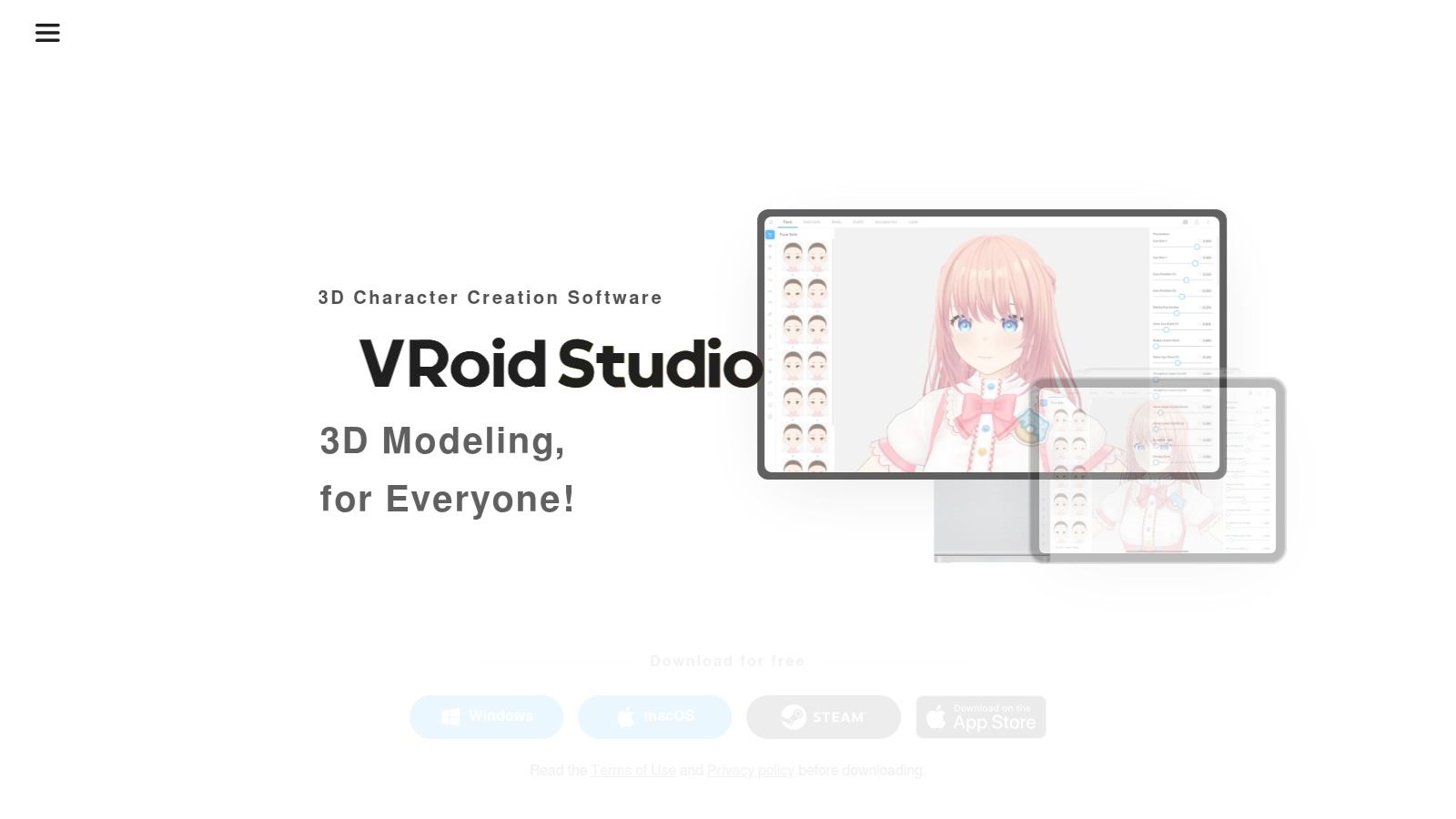
VRoid Studio belongs on this list despite not being browser-only. If you need an exportable anime-style character rather than a picture of one, VRoid Studio offers a more appropriate workflow.
The downloadable application supports facial, body, hair, and clothing adjustments, along with texture editing and VRM export for compatible software. It's available as free software for Windows, macOS, and supported iPads.
For a VTubing project, begin with the destination application. Confirm its VRM support before investing time in hair construction or a complicated outfit.
An attractive render doesn't prove that a character will behave correctly in the application where you plan to use it.
You'll gain more control over the character's structure than image-only makers provide, but you'll also spend more time learning the editor. Hair and clothing require deliberate work rather than another prompt.
A guide to full-body anime character creation can help establish proportions and costume details before you translate them into a model.
Licensing checkpoint: Track preset and third-party assets separately. A purchased texture, hairstyle, or outfit can carry conditions that differ from those covering elements you create yourself.
Keep an asset record with creator names, permitted uses, attribution requirements, and redistribution restrictions. That becomes important if you later commission modifications or distribute the model.
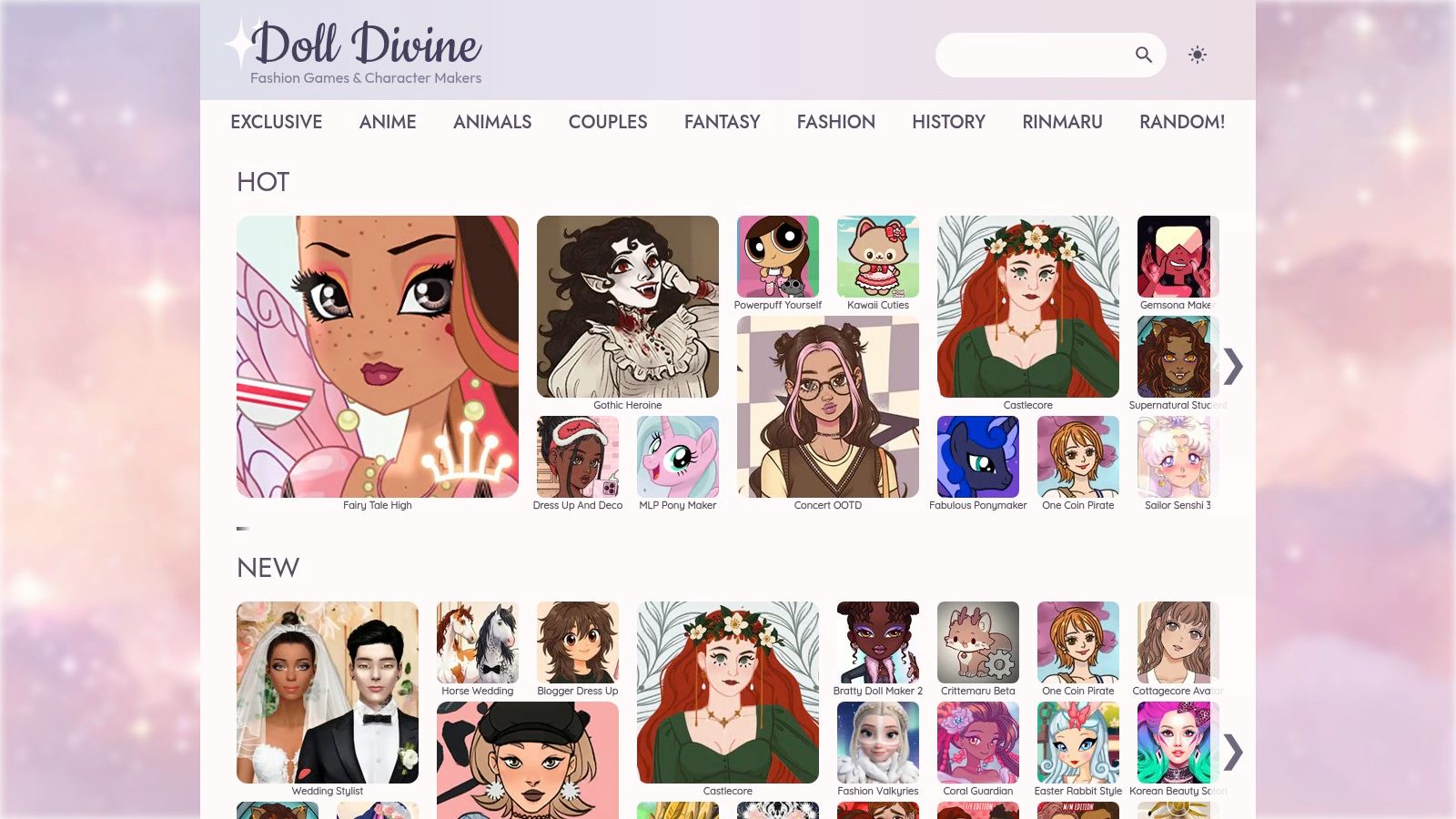
Sometimes you need to discover the costume before you can describe the character. Doll Divine is useful for that stage, with themed dress-up games and character makers covering fashion, fantasy, anime-inspired looks, and animals.
The collection includes original tools and preserved Rinmaru Games, with modern HTML5 games alongside older titles supported through Ruffle. The site describes its games as free and ad-supported, but controls, compatibility, and image-saving options vary.
Say you're developing a royal messenger for a novel. Explore contrasting silhouettes, sleeve shapes, boots, and color combinations, then write down what makes the final direction recognizable.
The main advantage is the themed selection of parts. You're choosing among visual options instead of trying to invent the right descriptive vocabulary.
Licensing checkpoint: Check the individual game creator's terms before commercial use. Access to a free game doesn't mean the output is cleared for a book cover or product listing.
For a publishable character, use the exercise to clarify your own design requirements rather than assuming you can sell the assembled artwork unchanged.
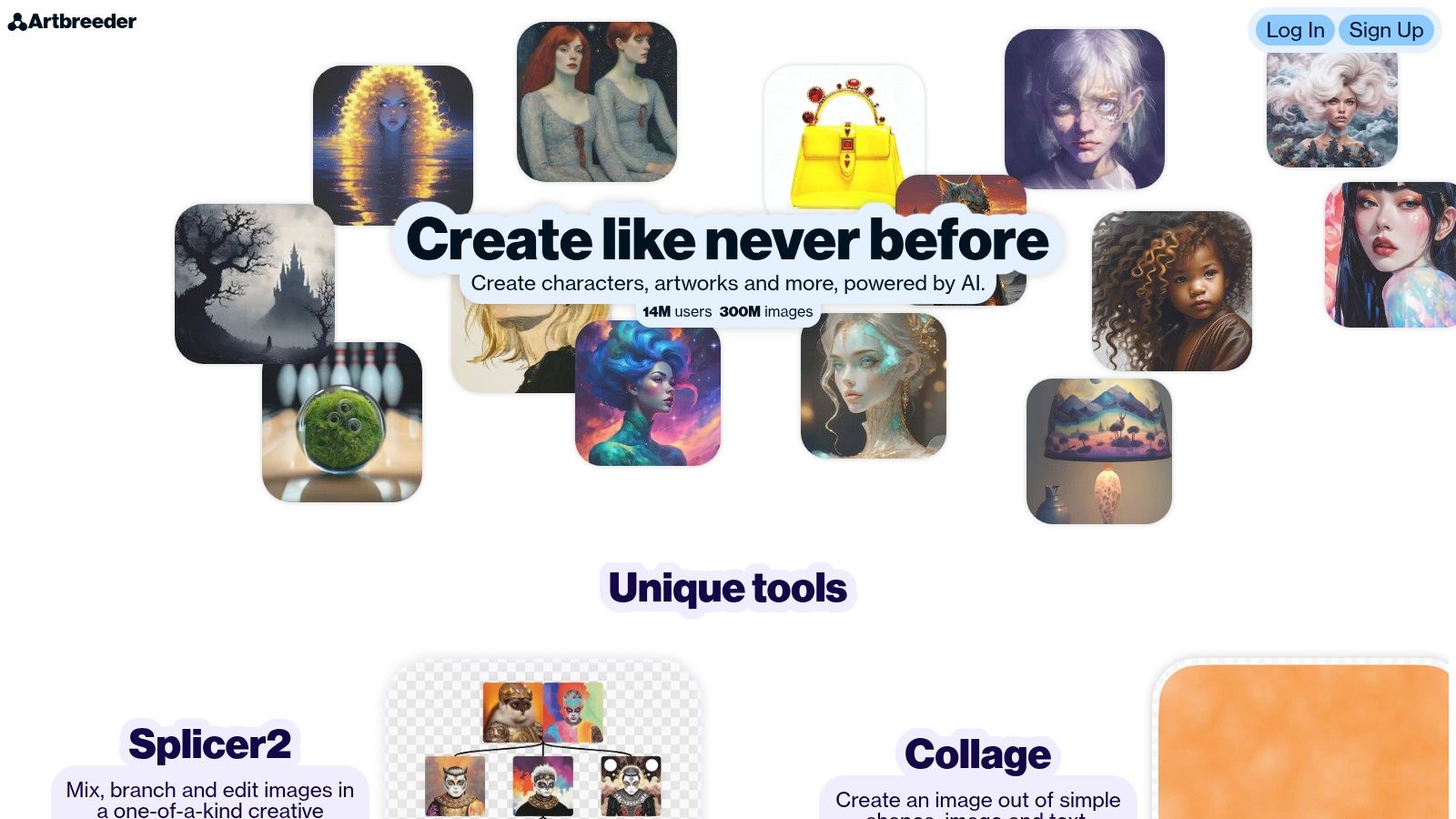
Artbreeder is strongest when you're still discovering the face. Artbreeder emphasizes mixing, branching, and editing images rather than assembling a character from a fixed wardrobe or building an exportable model.
Splicer supports image exploration and variation, while Collager combines images, shapes, and text. Community remixing provides another starting point when a written description feels too restrictive.
For an author, that can mean exploring a character's expression and facial structure before committing to an illustrated scene. Keep an approved portrait once you've found the direction, otherwise continued branching can move you away from the original identity.
Don't mistake a compelling portrait for a complete character package. You'll still need deliberate work on clothing, body proportions, alternate views, and the compositions required for covers or products.
Licensing checkpoint: Review Artbreeder's current terms, the status of uploaded material, and the conditions relevant to community remixing. Also check visibility settings before uploading a private character concept or identifiable photograph.
Choose it for exploration, then move approved artwork into a production workflow with controlled dimensions and documented permissions.
| Item | Output type | Best for | Free access |
|---|---|---|---|
| starryai (recommended) | AI-generated images | Prompt-based character art and creative visuals | No credit card required to start; check the current account interface for generation allowances |
| Canva AI Character Generator | AI-generated character artwork | Character art for social posts and designs | Free to try; usage limits may apply |
| Fotor AI Character Generator | AI-generated character images | Character concepts from prompts or reference images | Free credits; further use may require payment |
| Kapwing AI Character Generator | AI-generated images for image and video projects | Reusable characters for videos and ads | Free to try without watermarks; plan limits apply |
| Picrew | Customizable character images | Casual avatars and visual brainstorming | Generally free to use |
| CHARAT | Customizable anime-style images | Anime avatars and streaming concepts | Browser-based makers available to try |
| Hero Forge | Customizable 3D characters | Tabletop RPG characters and miniatures | Design, save, and share for free; products cost extra |
| VRoid Studio | Editable 3D characters; VRM export | VTubing, avatars, and character prototyping | Free software |
| Doll Divine | Customizable dress-up and character images | Casual themed character concepts | Free, ad-supported games |
| Artbreeder | Mixed and edited AI images | Portrait exploration and character concepts | Free access available; some features require a paid plan |
Read the output column first. Prompt-based generators produce finished artwork, while the customizable makers assemble characters from preset parts and the 3D tools export editable models. Treat every free tier as a trial: allowances and plan terms shift, so confirm limits inside the tool before building a project around it.
Start with the output you need most. Canva suits finished layouts, Kapwing suits recurring video content, Picrew and CHARAT suit assembled avatars, Hero Forge suits tabletop assets, and VRoid Studio suits exportable anime models. AI image tools suit illustrated concepts, while Doll Divine and Artbreeder help when the design itself is still unsettled.
For AI-driven covers and merch concepts, starryai is a low-risk starting choice. Establish the character before expanding into different formats, and treat attractive previews as candidates rather than finished production files.
Use a single reference package throughout the project. Include an approved portrait, full-body reference where available, palette, costume notes, and a short description of details that must not change.
Don't let format changes alter identity details accidentally. Check skin tone, age presentation, body shape, cultural details, and assistive devices after each transformation.
Accessibility matters in the editor as well as the result. An ACM study on disability-inclusive avatar design supports combining useful starting points with fine-grained control and accessible customization, rather than treating representation as another cosmetic preset.
Keep source files, reference permissions, asset licenses, and records of your own edits together. Use photographs you're entitled to upload, obtain consent for other people's likenesses, and review storage and visibility settings before submitting sensitive images.
The U.S. Copyright Office's AI guidance distinguishes human-authored contributions from machine-generated material. Permission to use an output commercially doesn't guarantee exclusive copyright protection over the generated image.
For marketplace sales, Etsy's creativity standards require original human prompting and creative contribution for qualifying AI-assisted products, plus disclosure in the listing description. A tool's commercial-use permission doesn't replace those marketplace obligations.
Before committing to a product line, test the same character at avatar, cover, and print sizes. Order a physical sample, correct the weak details, and save that approved version as your production reference.
starryai turns text prompts, selfies, and emojis into character visuals, with more than 1,000 styles and tools for enhancement, upscaling, and background removal. Visit starryai to start free without a credit card and develop a character concept you can test across avatars, covers, and merch artwork.


