



 200 lumens / month
- Create videos with lumens
- Free 4× image upscaling
- 50% off lumens
- Ad-free experience
- Unlock all canvas sizes
- Bulk creations
Trusted by 500k+ creators
Turn words or a photo into a video
Describe a scene or start from a picture and watch it move. Then edit, extend and upscale it.
Describe your video to start. One sentence is enough.
You can add a starting photo on the next step.
Start from a sentence or a photo
Text to video
Describe the scene, the movement and the camera. starryai turns it into a clip.
Image to video
Start from one photo, or something you made in starryai, and describe what happens next.
Vertical or widescreen
Make 9:16 clips for stories and reels, or 16:9 for YouTube and the big screen.
Cinematic product films
Upload one product photo and pick cinematic directions for short product videos.
Product spin videos
Turn a product photo into short, loopable 360-degree spin videos.
Keep editing
Change the light, extend the shot, make it vertical or wide and upscale it before you export.
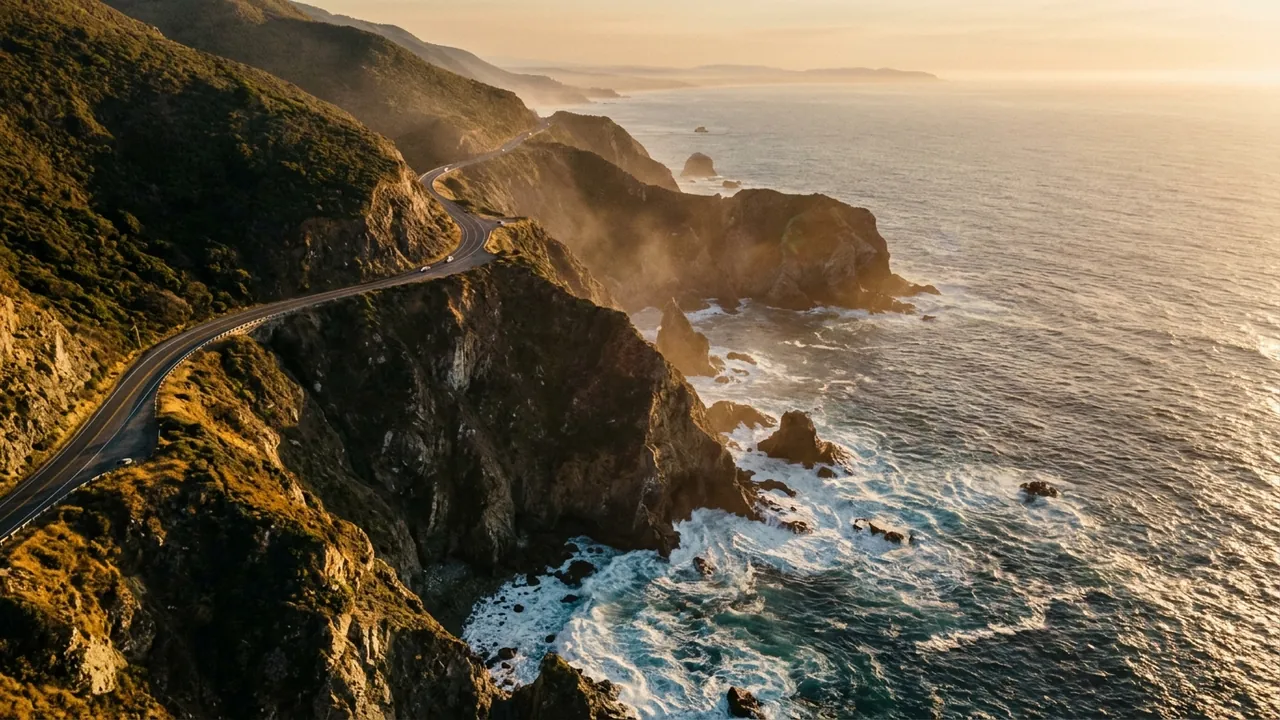
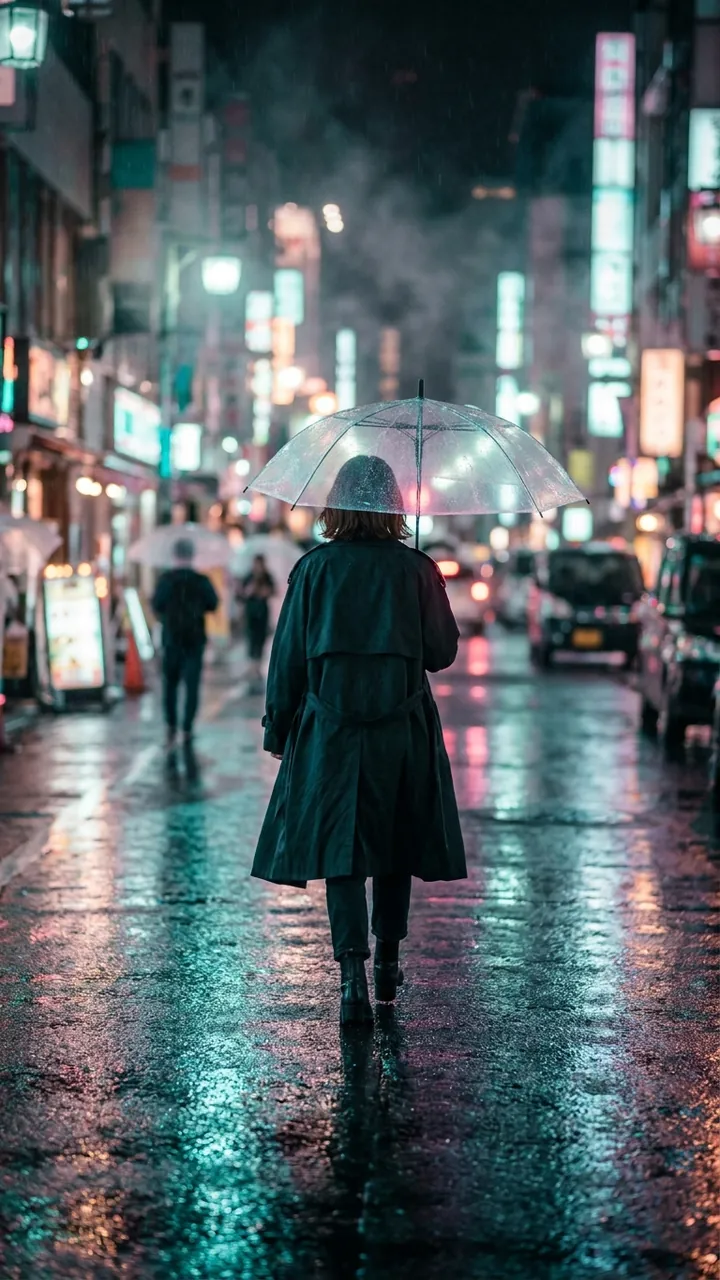
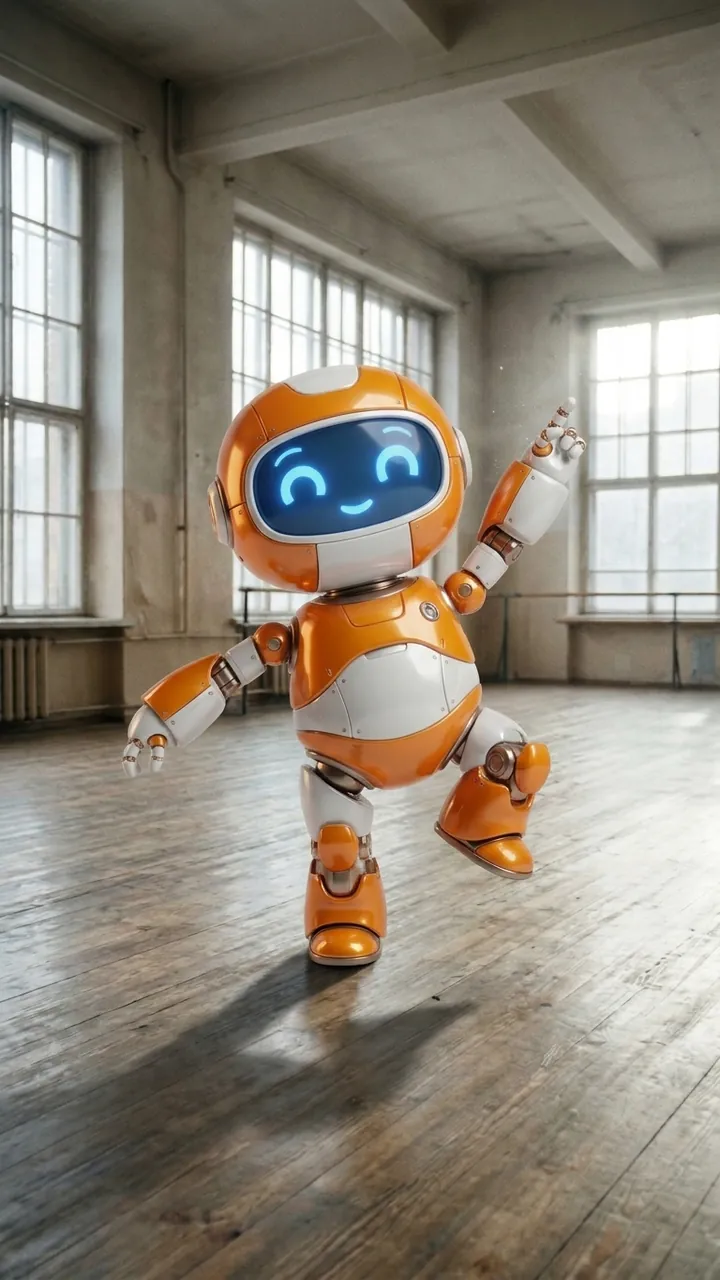
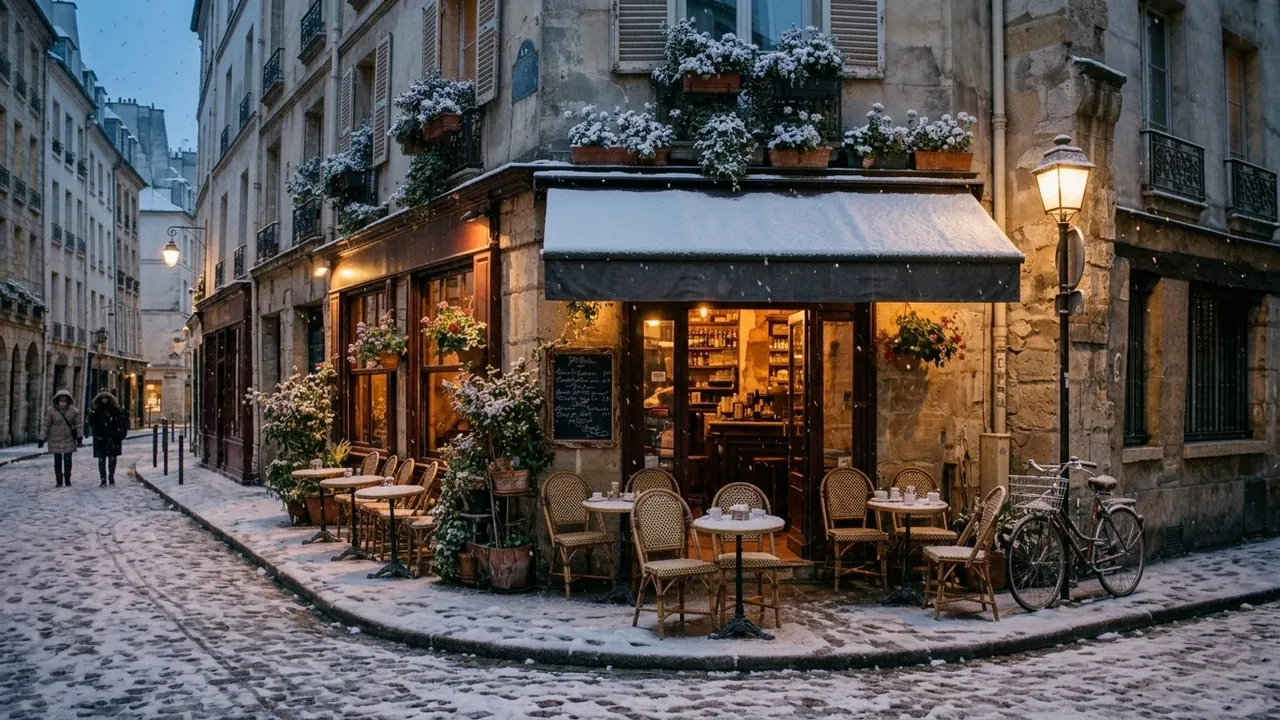
See what a sentence can become
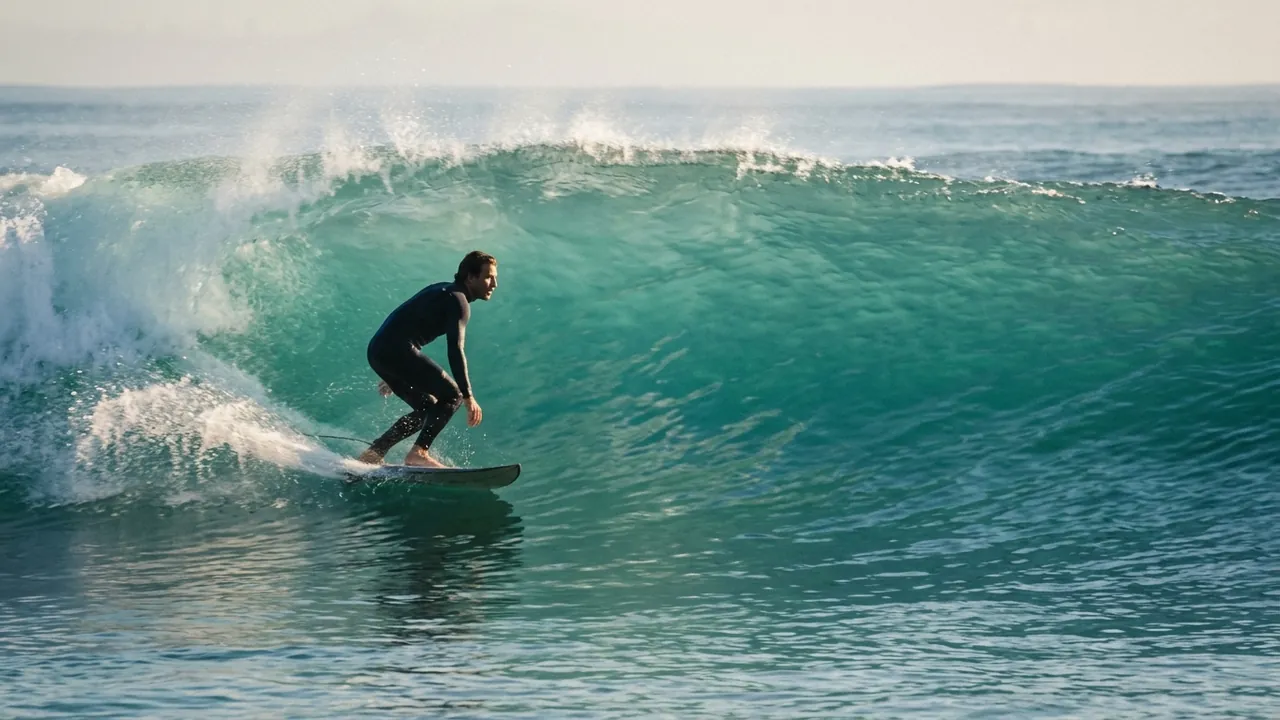

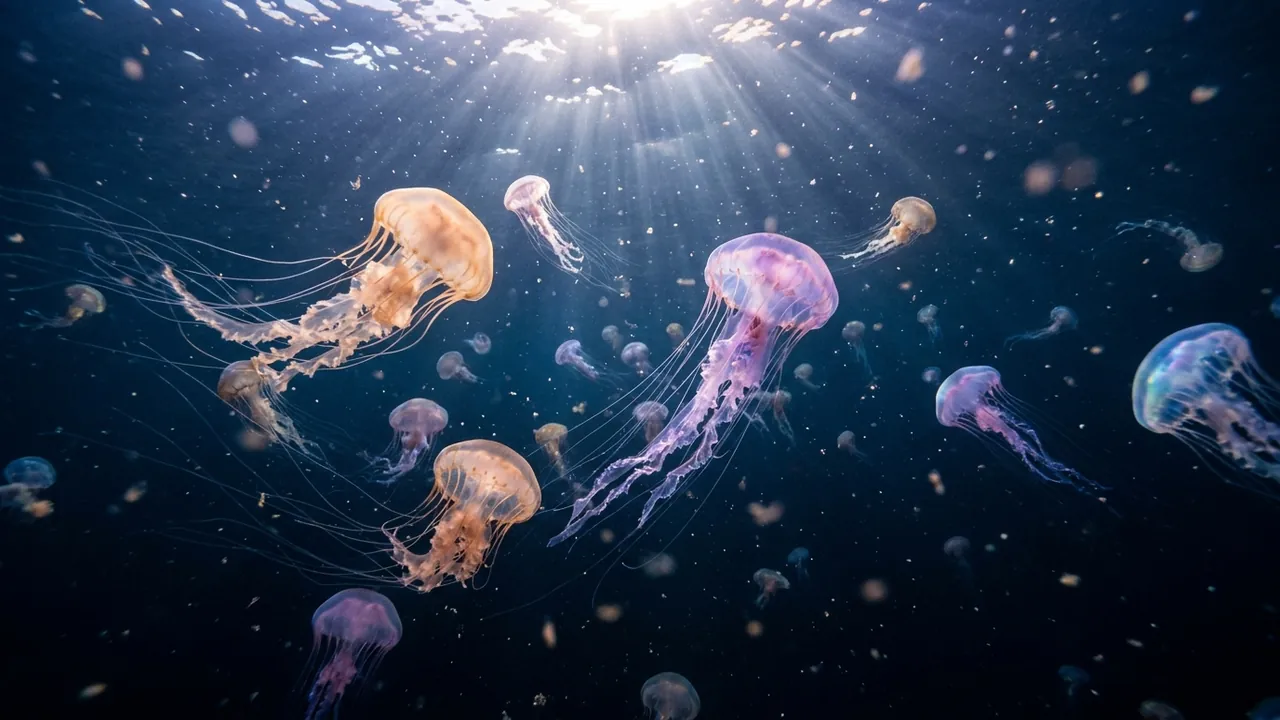
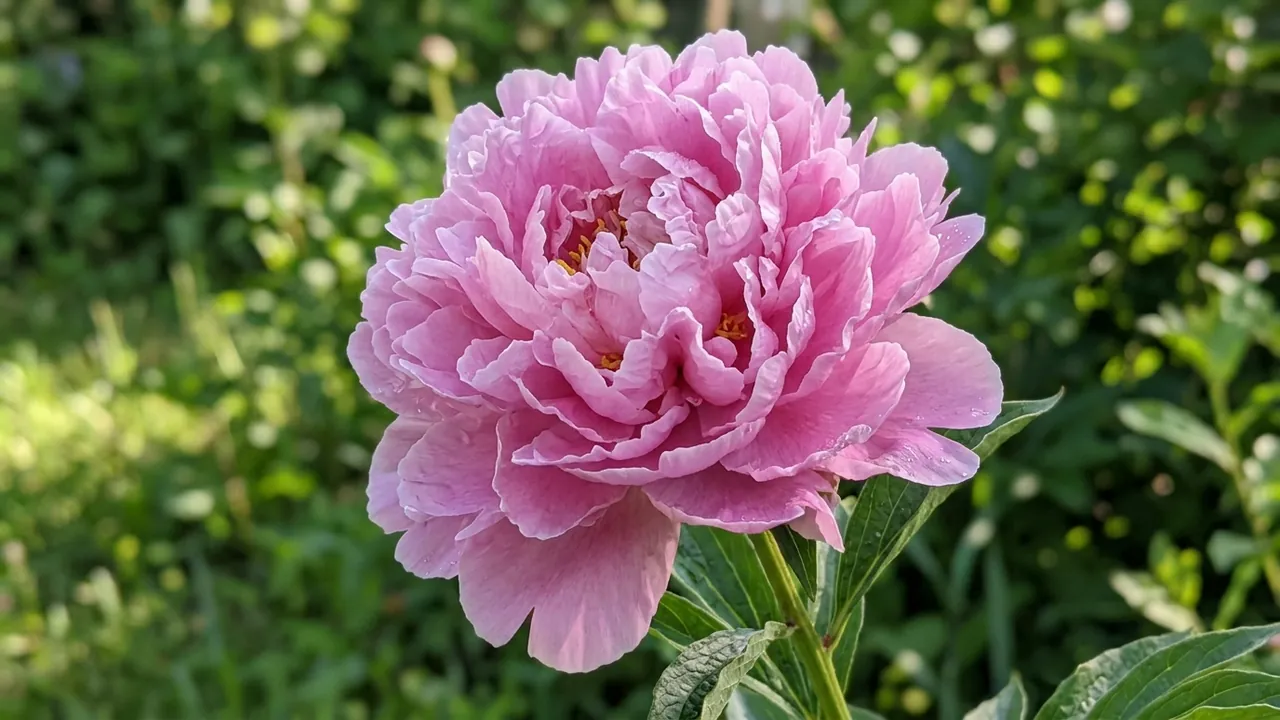
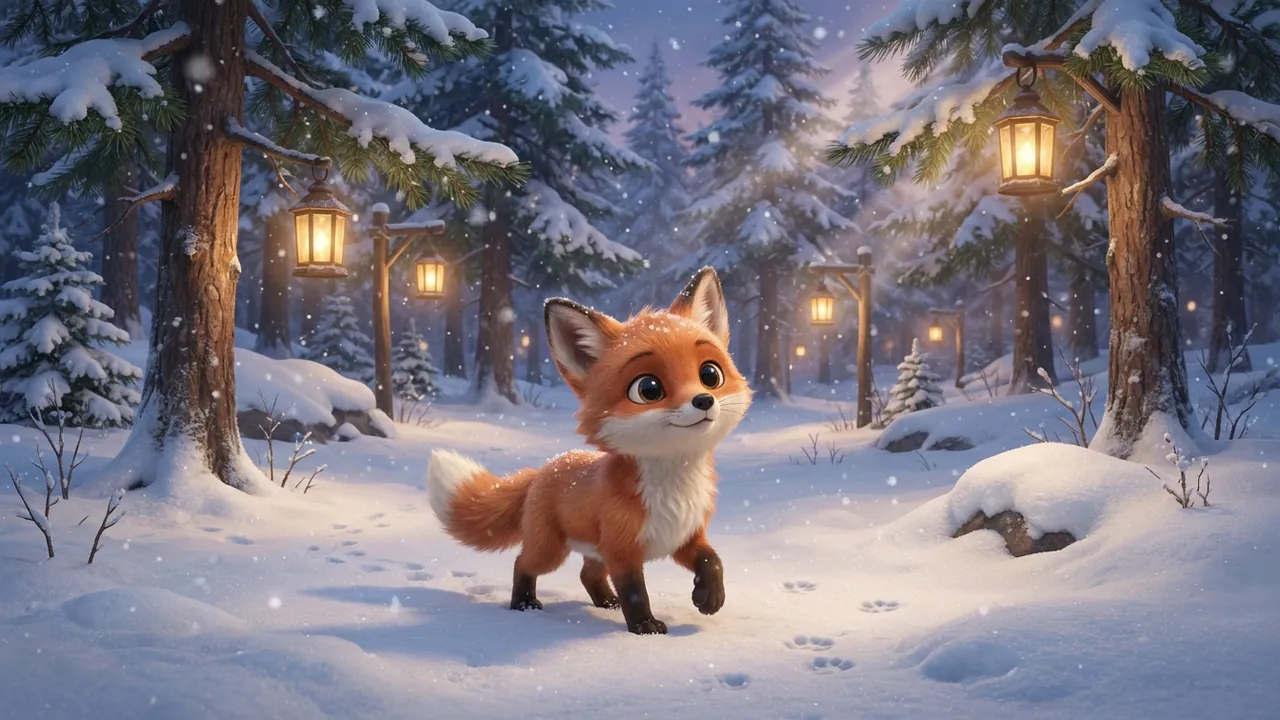
From idea to finished clip
- Step 1
Describe it
Write the scene, or add a photo to start from. Pick vertical or widescreen.
- Step 2
Generate
Watch your clip, then tweak the prompt and try again until the shot feels right.
- Step 3
Edit and export
Open it in Studio to change, extend, reframe and upscale it, add music, then download.
More ways to make video
Unlock the full power of starryai

 Popular
- Unlimited standard image generation on supported styles
- Create videos with lumens
- 4,000 fast generations / month
- Unlimited 4× upscaling in slow mode
- 50% off lumens
- Ad-free experience

 Value
- Unlimited standard image generation on supported styles
- Create videos with lumens
- 12,000 fast generations / month
- Unlimited 4× upscaling in slow mode
- 50% off lumens
- Ad-free experience
AI video generator questions
How do I make a video from text?
Describe the scene, how things move and what the camera does, then generate. Tweak the prompt and try again until the shot feels right.
Can I turn a photo into a video?
Yes. Add one starting image and describe the motion. You can also start from an image or photoshoot you already made in starryai.
How long are the videos, and in what sizes?
Clips run from 3 to 15 seconds depending on the options you choose, in vertical 9:16 or widescreen 16:9, at up to 4K.
Can I edit a video after generating it?
Yes. Open it in Studio to change it with a prompt, extend it, reframe it between vertical and wide, trim and arrange clips, add music or a voiceover, and upscale it before you export.
How much does it cost?
Creating a starryai account is free. You see the cost of every video before you start, and the plans below cover video creation and editing.
Can I use the videos commercially?
Yes. Generated media can be used commercially and non-commercially under the starryai license.

Your next video starts with a sentence
Describe the shot and watch it move.
Describe your video to start. One sentence is enough.