




 200 lumens / month
- Create videos with lumens
- Free 4× image upscaling
- 50% off lumens
- Ad-free experience
- Unlock all canvas sizes
- Bulk creations
Trusted by 500k+ creators
Upscale your video to 4K
Bring a clip up to 1080p, 2K or 4K. The framing, frame rate and audio stay the same.
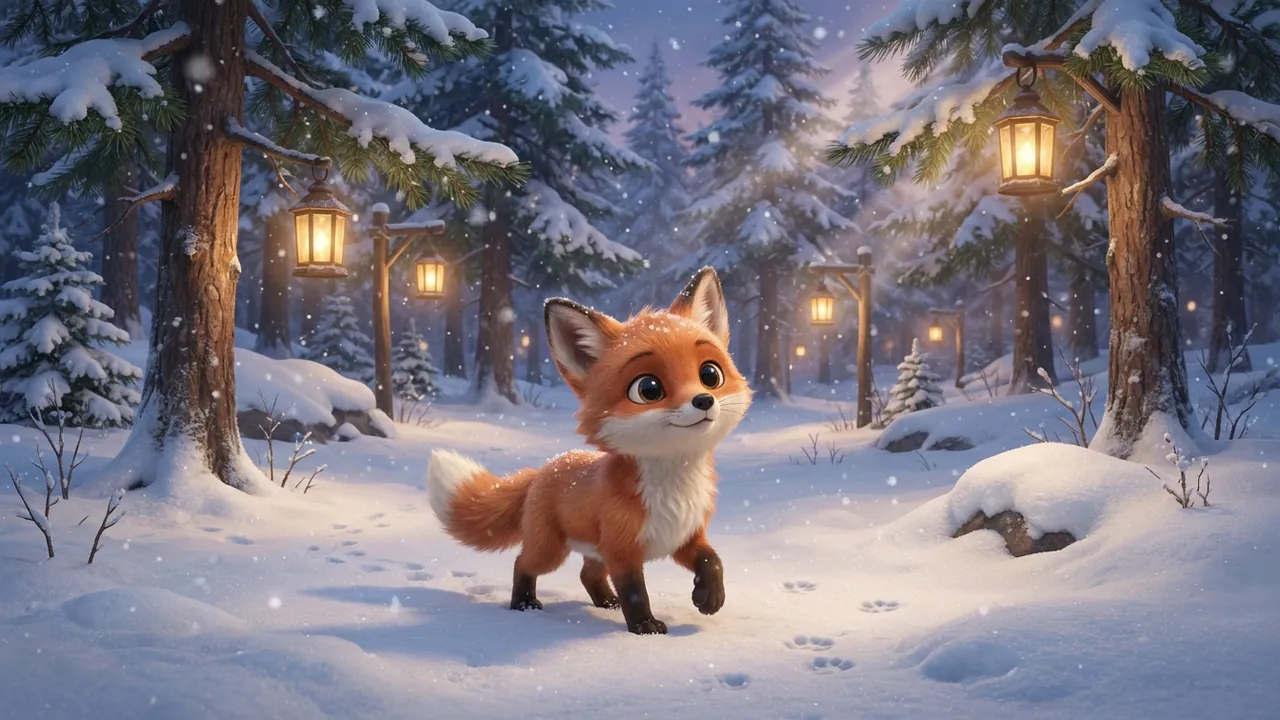
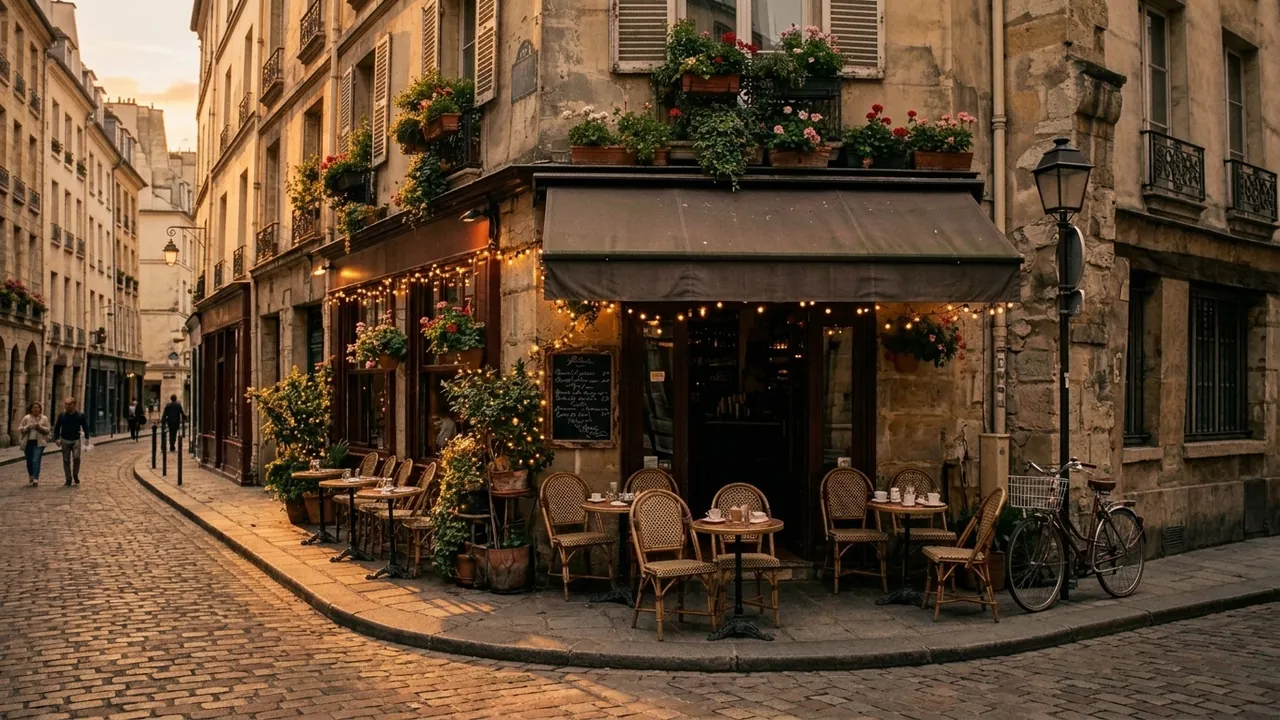
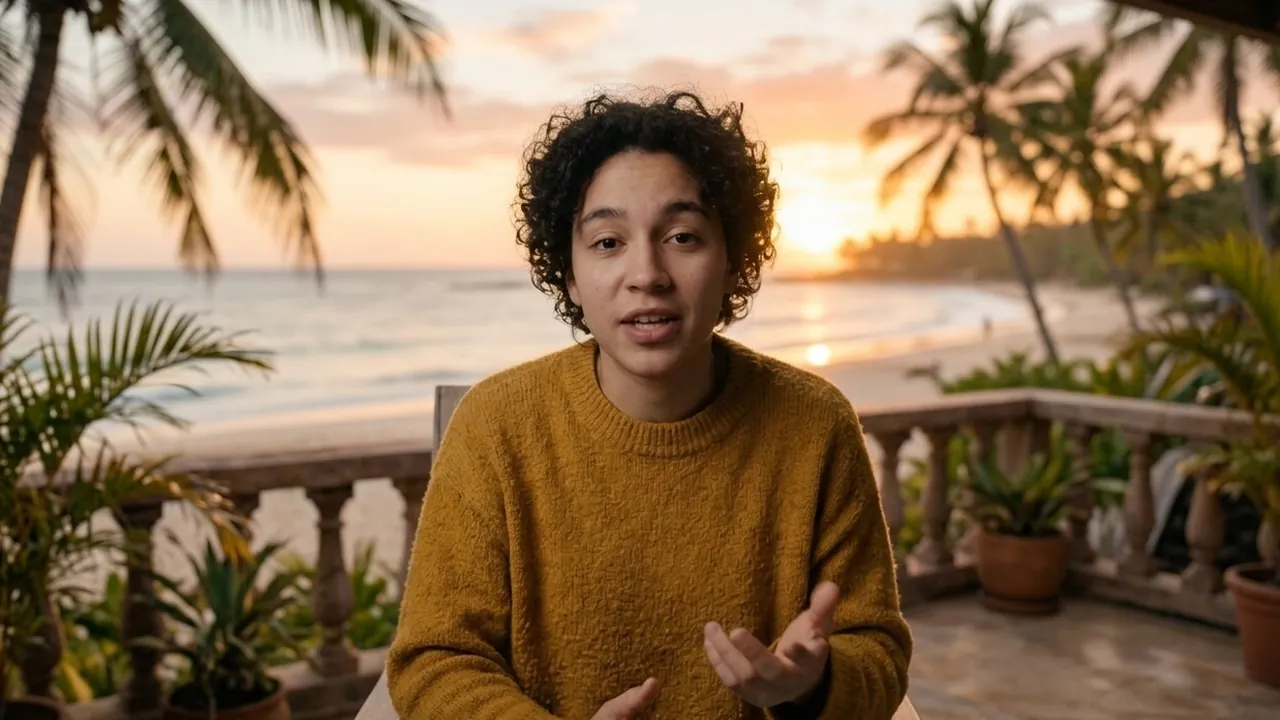
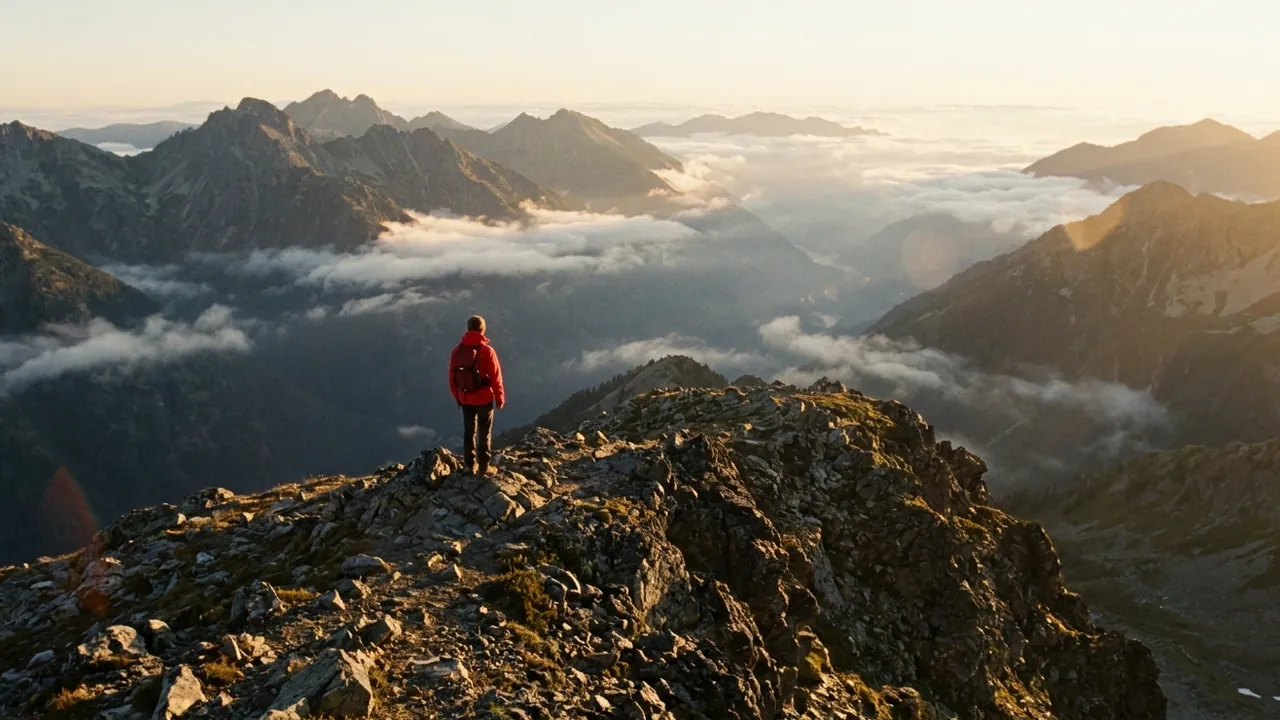
Sharper frames, the same shot
Pick a resolution and starryai rebuilds every frame at the new size, so fine detail holds up on big screens.
- 1080p
- 2K
- 4K
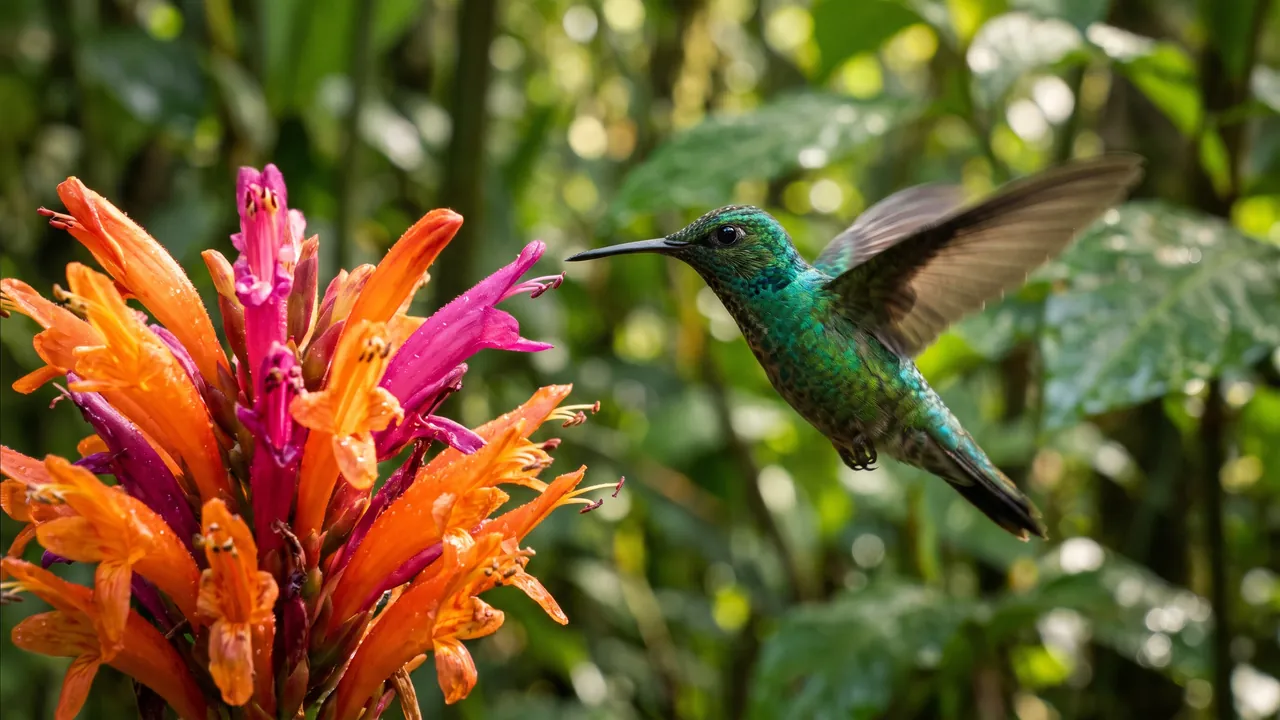
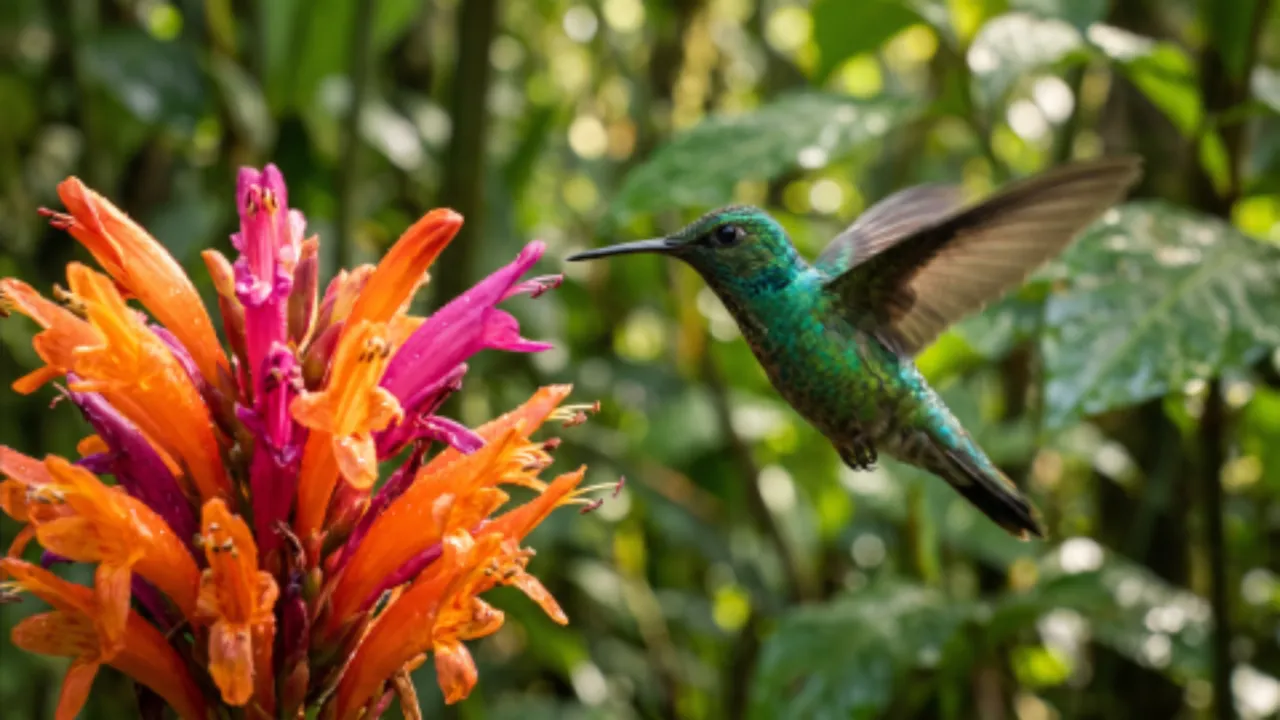 BeforeAfter
 Before
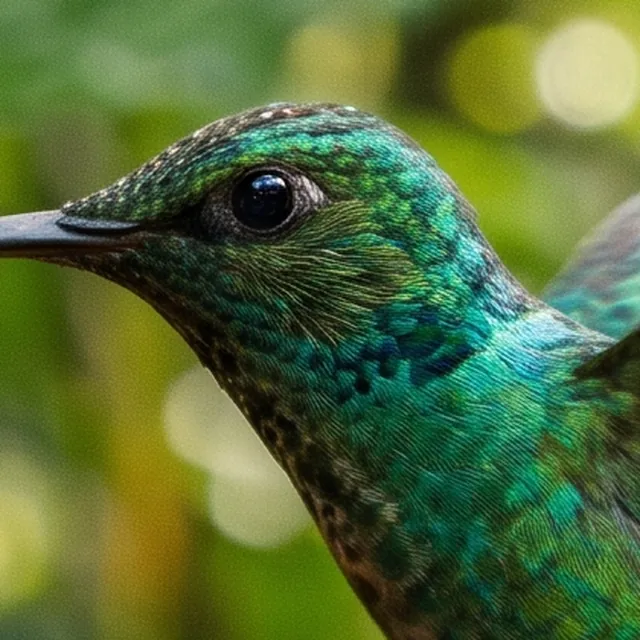 After
Upscale in three steps
- Step 1
Add your video
Upload a clip or pick one from your starryai library. For a longer clip, choose up to 60 seconds to upscale.
- Step 2
Choose a resolution
Pick 1080p, 2K or 4K. Your framing stays exactly as it was.
- Step 3
Download or keep editing
The upscaled clip keeps its frame rate and audio, ready to export or edit in Studio.
More ways to make video
Unlock the full power of starryai

 Popular
- Unlimited standard image generation on supported styles
- Create videos with lumens
- 4,000 fast generations / month
- Unlimited 4× upscaling in slow mode
- 50% off lumens
- Ad-free experience

 Value
- Unlimited standard image generation on supported styles
- Create videos with lumens
- 12,000 fast generations / month
- Unlimited 4× upscaling in slow mode
- 50% off lumens
- Ad-free experience
Video upscaler questions
What resolutions can I upscale to?
Choose 1080p, 2K or 4K. The aspect ratio of your video stays the same.
Which videos can I upscale?
Upload an MP4 of up to 50 MB, or pick a video of up to 50 MB from your starryai library. Each upscale covers 1 to 60 seconds, so for a longer clip you pick the part to upscale.
Does upscaling change my audio or frame rate?
No. The upscaled video keeps the frame rate and audio of the original.
Can I upscale videos I made in starryai?
Yes. Pick any video from your starryai library, such as a clip from the AI video generator, and upscale it before you export.
How much does it cost?
Creating a starryai account is free. You see the cost of every video before you start, and the plans below cover video creation and editing.
Can I use the videos commercially?
Yes. Generated media can be used commercially and non-commercially under the starryai license.

Give your video the detail it deserves
Add a clip and choose 1080p, 2K or 4K.