




 200 lumens / month
- Create videos with lumens
- Free 4× image upscaling
- 50% off lumens
- Ad-free experience
- Unlock all canvas sizes
- Bulk creations
Trusted by 500k+ creators
Remove or change your video background
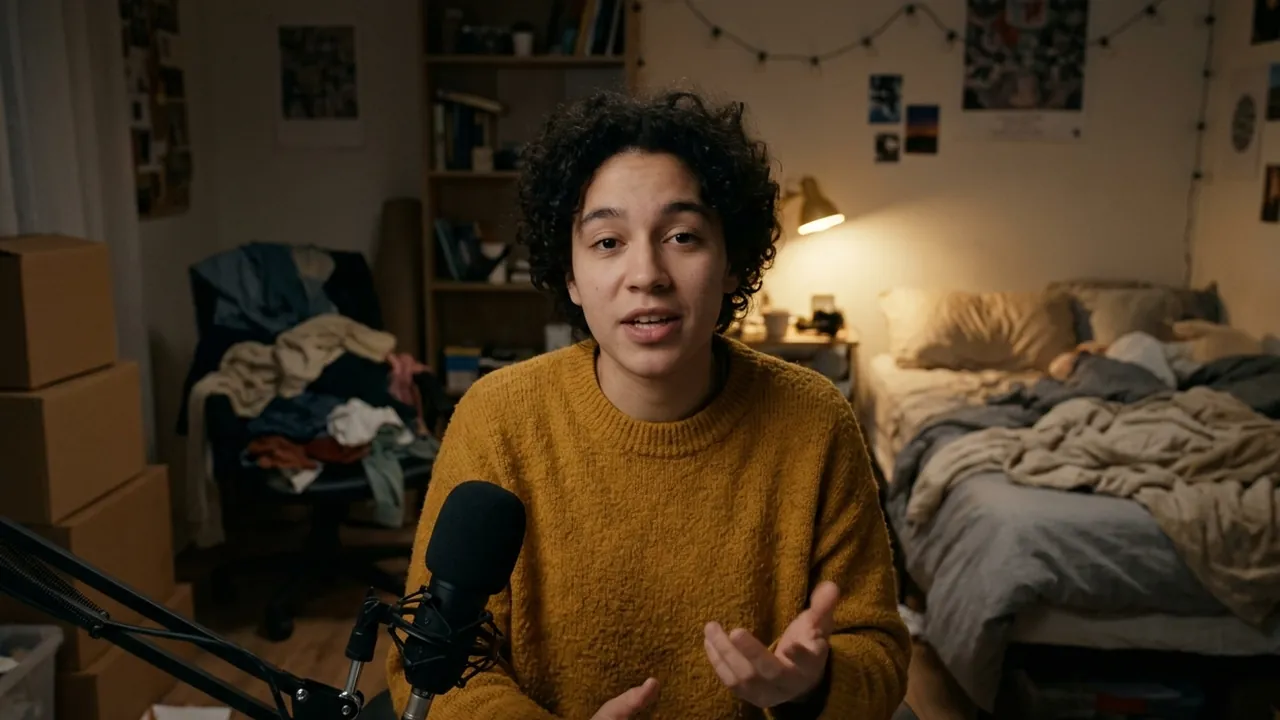
Swap a messy room for a green screen, a clean backdrop or any scene you describe.
One clip, any backdrop
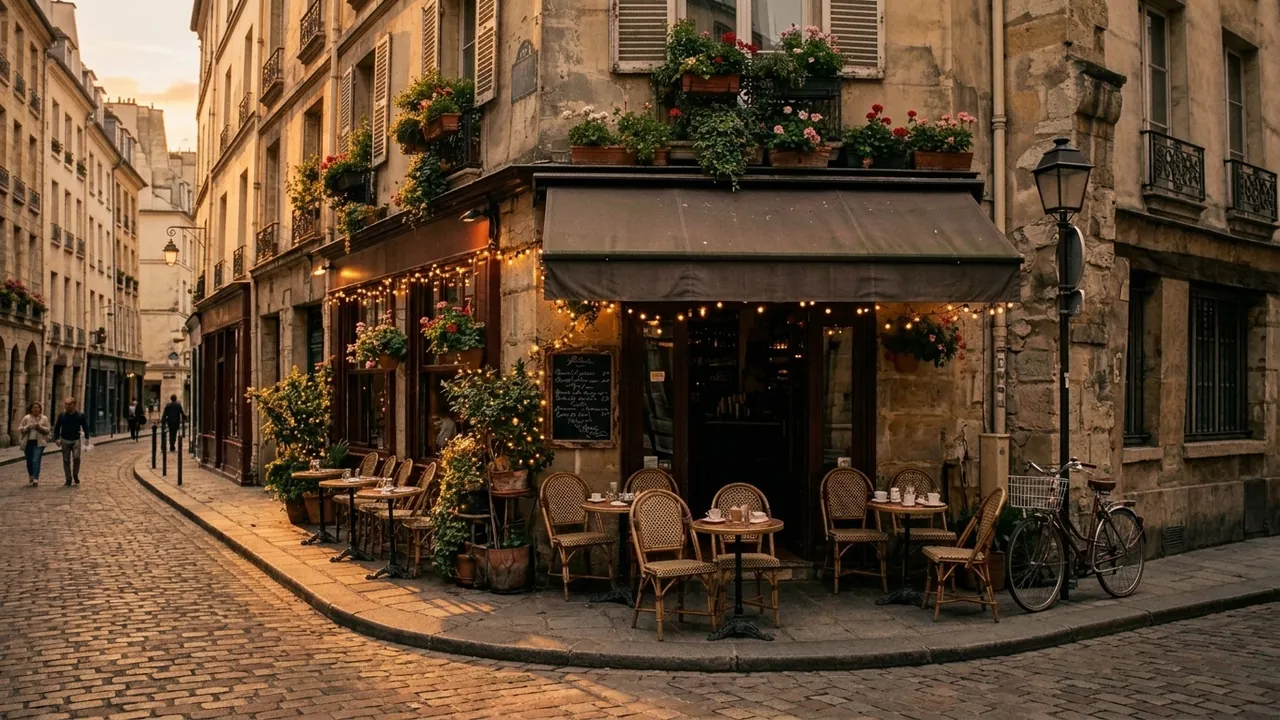
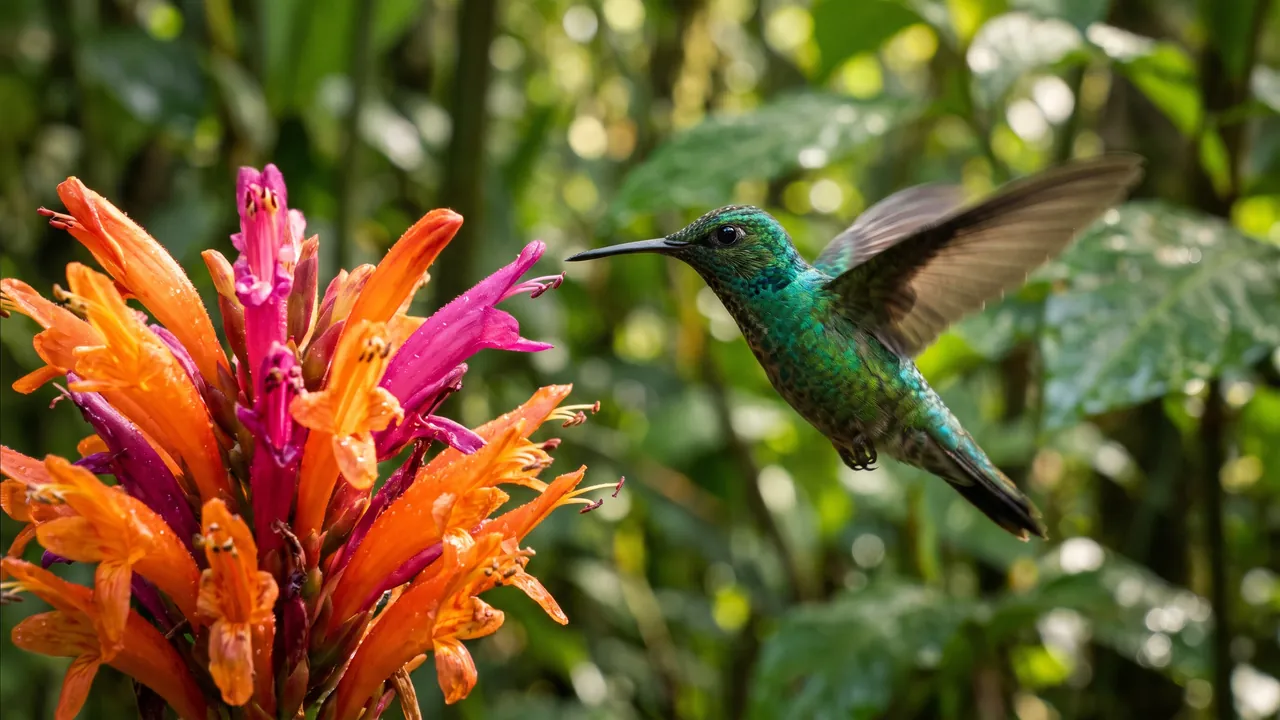
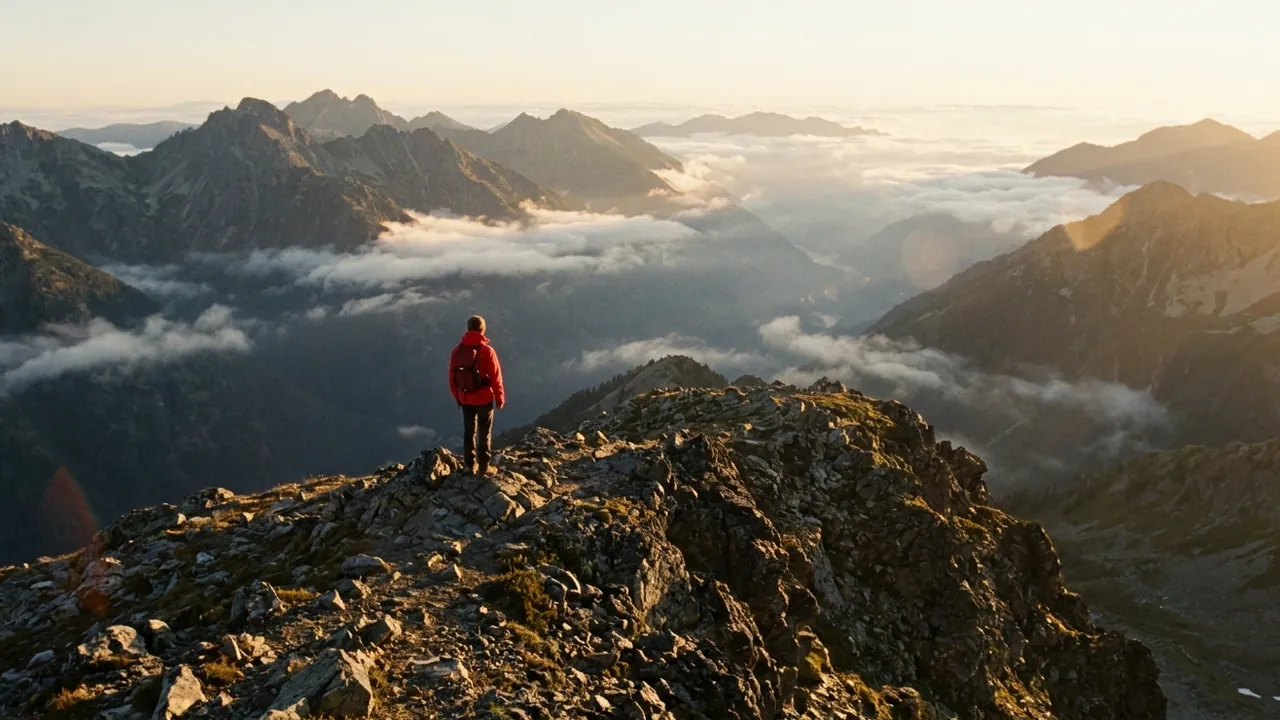
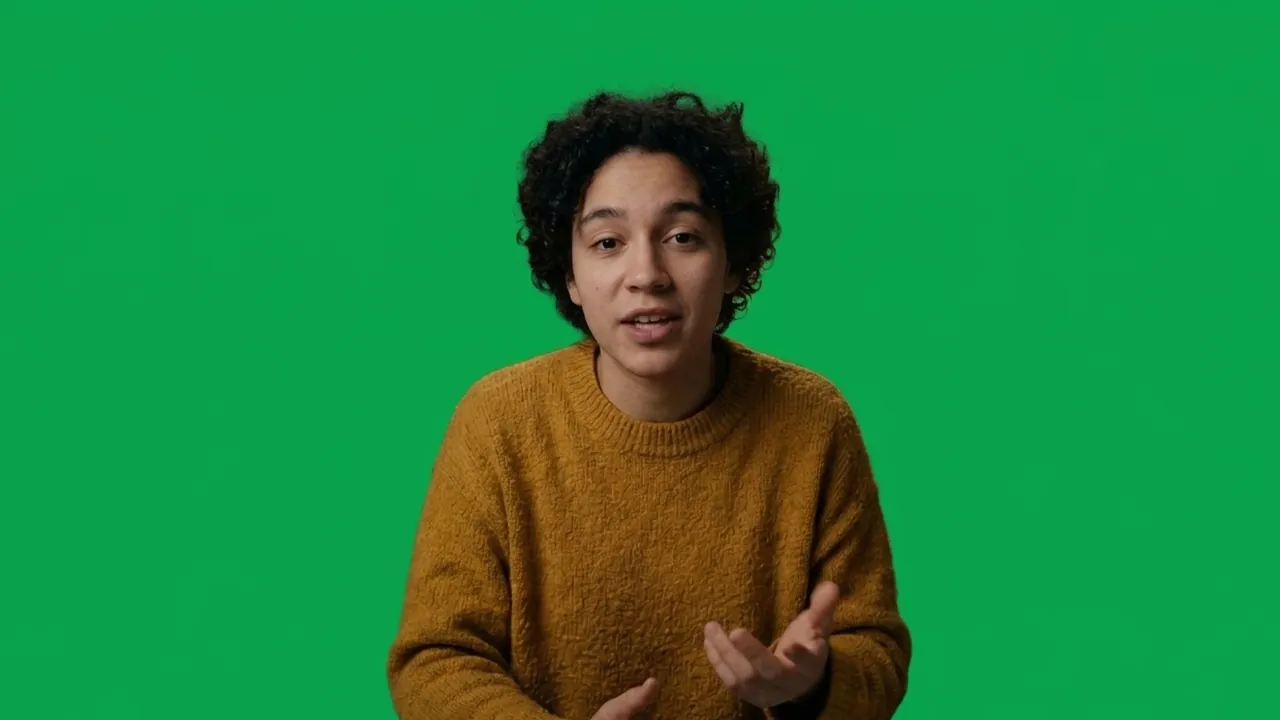
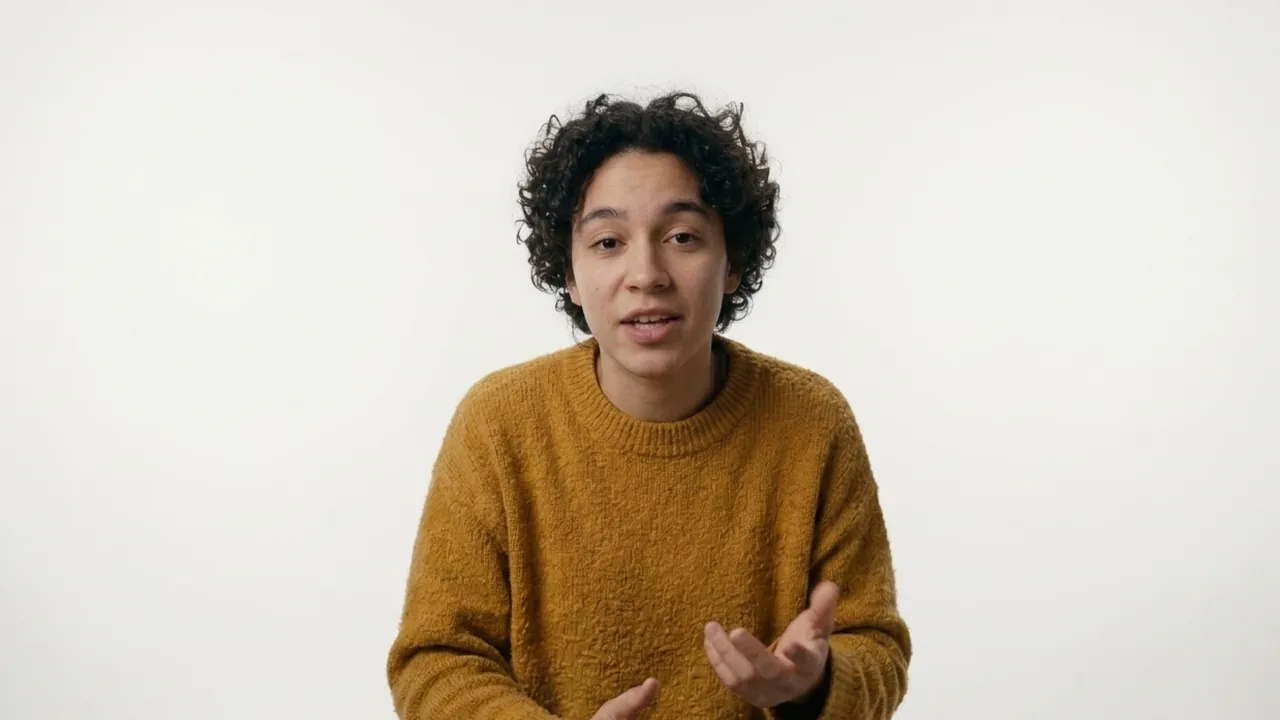
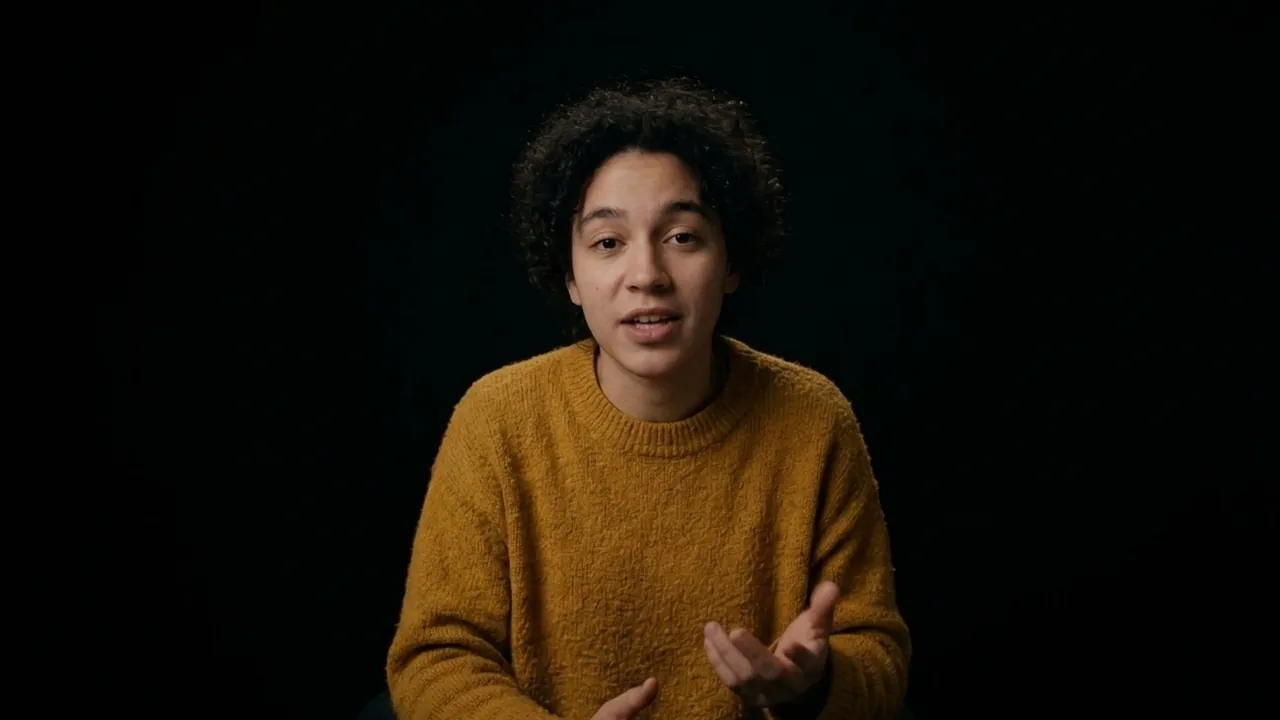
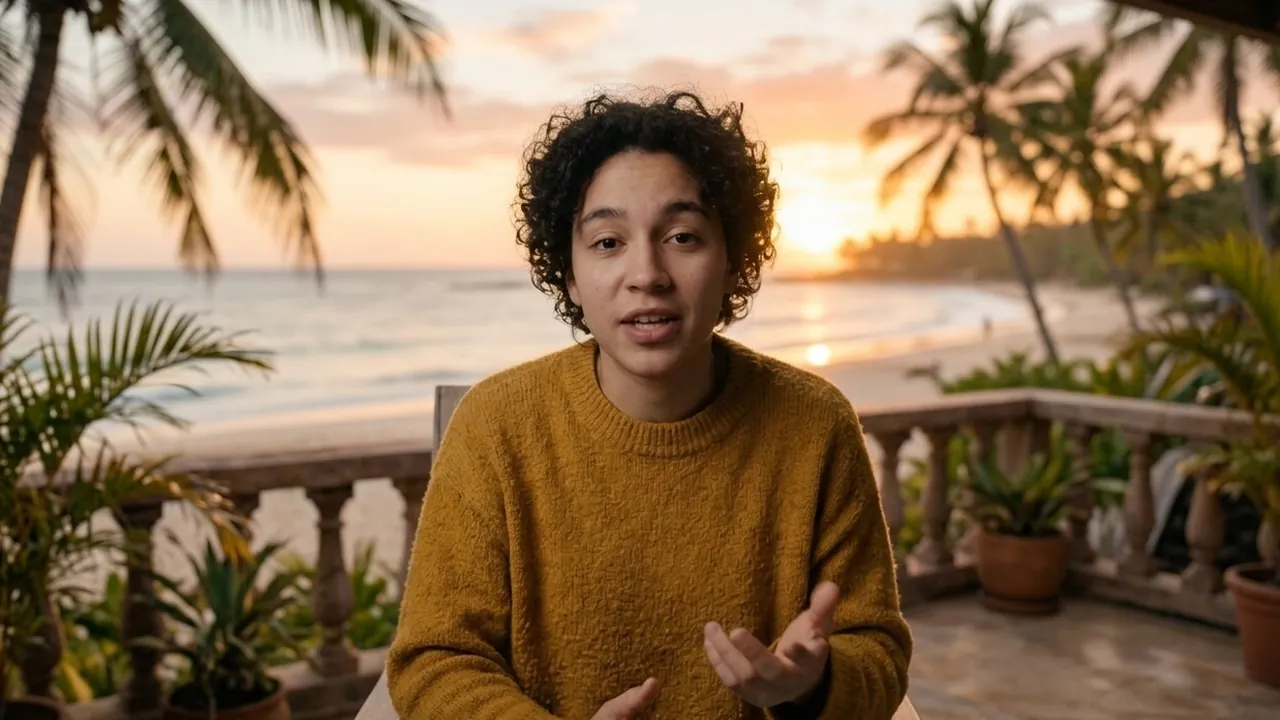
Film wherever you are. Pick a plain backdrop, or describe a place and starryai puts you there.
Results are regular 720p video, not transparent video. Use the green screen to key yourself out in another editor.
A new background in three steps
- Step 1
Upload your clip
Add a video from your device or your starryai library. For a longer clip, pick the part to change, up to 15 seconds at a time.
- Step 2
Pick a backdrop
Choose a green screen, white or black, or describe the scene you want.
- Step 3
Compare and keep
See the result next to your original, then download it or keep editing in Studio.
More ways to make video
Unlock the full power of starryai

 Popular
- Unlimited standard image generation on supported styles
- Create videos with lumens
- 4,000 fast generations / month
- Unlimited 4× upscaling in slow mode
- 50% off lumens
- Ad-free experience

 Value
- Unlimited standard image generation on supported styles
- Create videos with lumens
- 12,000 fast generations / month
- Unlimited 4× upscaling in slow mode
- 50% off lumens
- Ad-free experience
Video background questions
How does it work?
Upload a clip and choose a green screen, a white or a black backdrop, or describe a new scene. starryai edits the video with your prompt and keeps the person and their movement.
Do I get a transparent video?
No. The result is a regular video with the new background filled in. If you need to cut yourself out in another editor, choose the green screen and key it there.
Which videos can I use?
Any clip from your device or your starryai library. Each change covers up to 15 seconds and 50 MB of video, so for a longer clip you pick the part to change. The result is 720p and the same length as that part.
Can I change the background of a whole video?
Yes. In Studio you can change the background of every clip in your video in one go. The clips run a few at a time, and you compare them and replace them all.
Can I put myself anywhere?
Describe the scene you want, like a beach at sunset, a modern office or a neon-lit street, and starryai builds it behind you.
How much does it cost?
Creating a starryai account is free. You see the cost of every video before you start, and the plans below cover video creation and editing.
Can I use the videos commercially?
Yes. Generated media can be used commercially and non-commercially under the starryai license.

Film anywhere. Show up somewhere better.
Upload a clip and choose your new background.